Use this bar to show information about your cookie policy.
Roll over image to zoom inClick on image to zoom
/
PayJustNow
Description
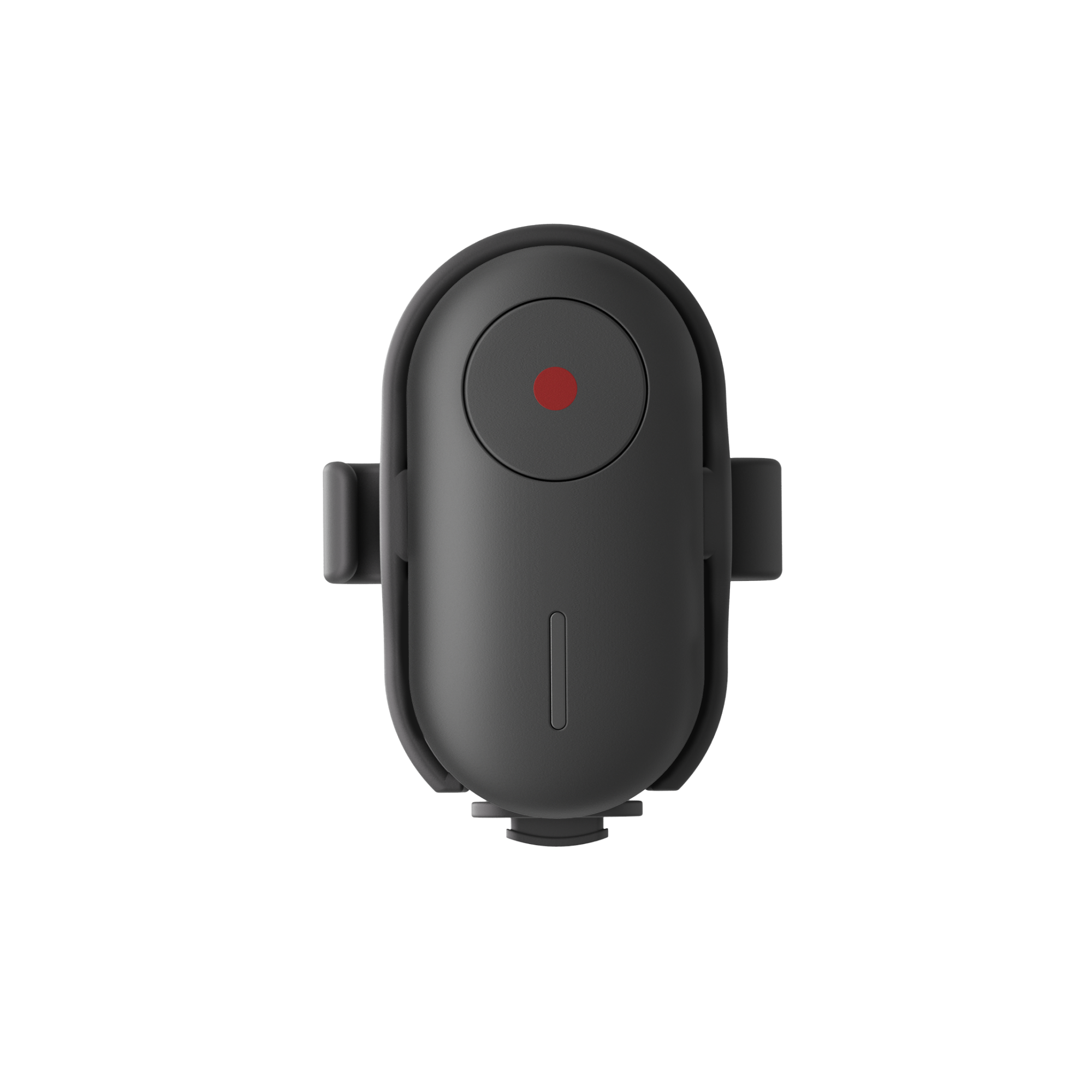
Thumb-size remote control for hands-free shooting. Start/stop recording and snap photos from up to 33 ft (10 m) away, mount it to your bar/selfie stick, and keep rolling without touching the camera.
Why you’ll love it
One-click control at 10 m – Start/stop or take a photo without reaching for the camera.
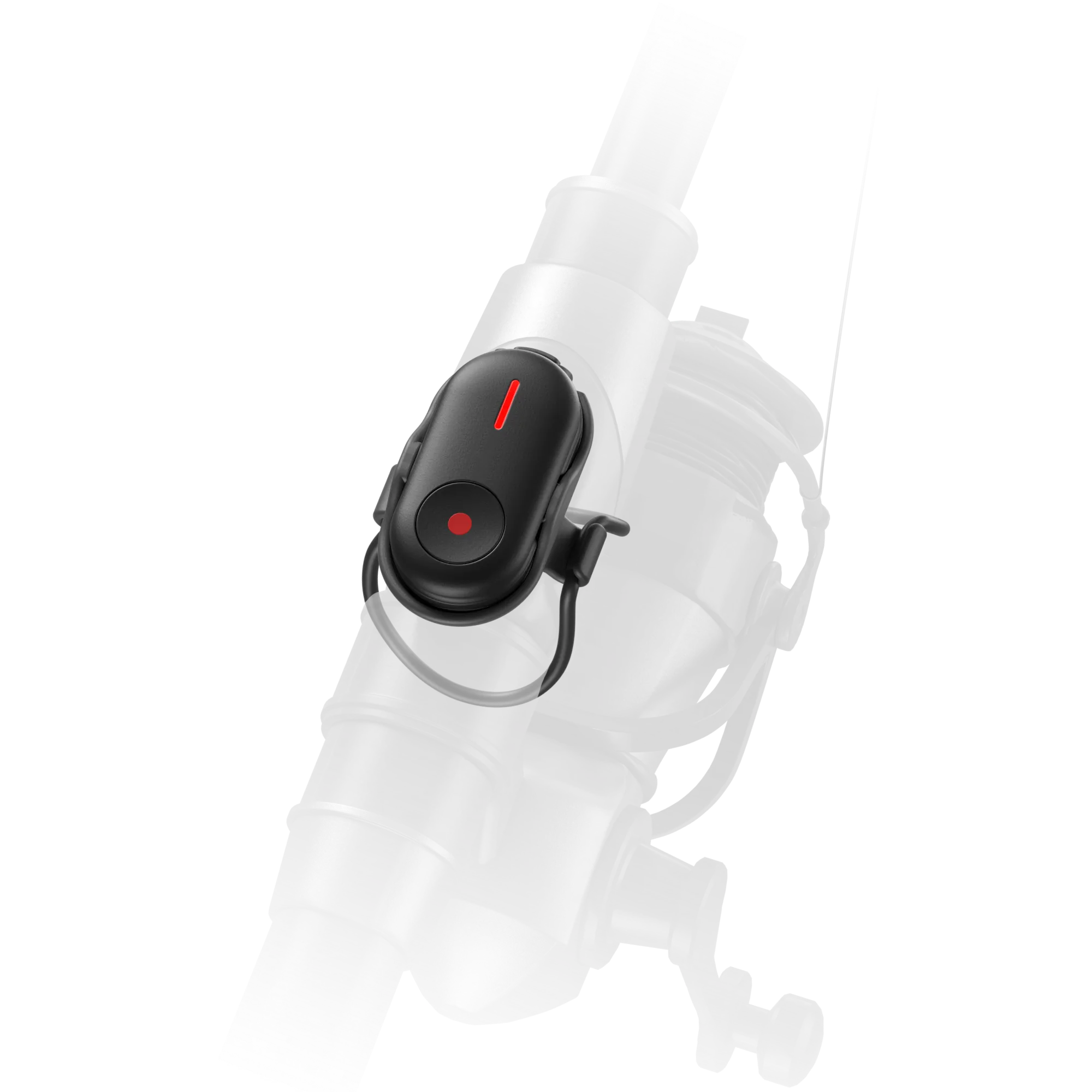
Mount anywhere – Includes a rotating base and two straps to secure on selfie sticks, bike/motorcycle handlebars, fishing rods, and more.
Ultra-light – Just 6.4 g (0.2 oz); slips into the slot on the Insta360 Foldable 2-in-1 Selfie Stick (1/4" mount) for quick access.
Simple pairing & indicators – Clear LED status lights and Bluetooth pairing for quick setup.
On-the-go charging – USB-C charging; ready for daily shoots.
What’s in the box
1× Mini Remote
1× Mini Remote Base (360° rotating)
2× Mini Remote Straps
Specs
Item
Detail
Control range
Up to 33 ft (10 m) (line-of-sight)
Weight
6.4 g (0.2 oz)
Size
19×36×9.5 mm (0.7×1.4×0.4 in)
Material
Plastic
Battery capacity
60 mAh Li-ion
Battery energy
0.222 Wh
Charging
USB-C, ~90 min with 5 V/1 A adapter
Operating temp / humidity
14–113 °F (-10–45 °C), 0–75% RH
Water resistance
Splash-resistant (not submersible)
Base
360° rotating base; strap-mount
LED indicator quick guide
No light: Powered off / fully charged
Flashing green: Powering on/off, pairing, or taking a photo
Solid green: Paired with camera
Solid red: Charging
Flashing red: Recording video
Flashing yellow: Low battery
Compatibility
X4 Air, X4, X5, Ace Pro 2, GO Ultra, GO 3S, X3 (For any new models, check Insta360’s official compatibility list. Keep the Mini Remote firmware updated in the Insta360 app.)
Quick start
Power on: Hold the button for 2 s.
Pair: On the camera, swipe down → Bluetooth Remote → select “Insta360 Mini Remote.” LED turns solid green when paired.
Mount: Insert into the Mini Remote Base and secure with the included strap to your gear (selfie stick/handlebars/etc.).
Shoot: Single press to start/stop video or take a photo. Long-press (≈1 s) while recording to add a marker (on supported cameras).
Charge: Connect USB-C (ensure the port is dry).
Notes & care
Contains magnets—keep away from pacemakers and sensitive devices.
When mounted to sticks or bars, tighten the strap and avoid very high-speed activities to prevent drops.
Splash-resistant only. Dry immediately if wet; ensure the USB-C port is fully dry before charging.
Avoid drops/impacts and do not disassemble.
If unused for long periods, charge and power on periodically to protect the battery.
Do not use liquid cleaners on the device or port; wipe with a soft, dry cloth.