
What the Air Series is
- A wearable 1080p Micro-OLED screen
- A private display for films, gaming and laptop use
- Plug-and-play with compatible USB-C DisplayPort devices
- A lightweight alternative to carrying a monitor
RayNeo Air · Portable display glasses
Connect a compatible phone, laptop or console and turn it into a private 1080p Micro-OLED display for films, gaming, travel and work.
Start with the distinction
RayNeo Air glasses turn a compatible phone, laptop or console into a large private display. They focus on what you can watch and play, rather than cameras, voice assistants or information overlays.

Connect, put them on and keep the room around you free from another television or monitor.
Why people buy them
The screen stays in view as you move your head, giving you a large personal display without taking over the room around you.
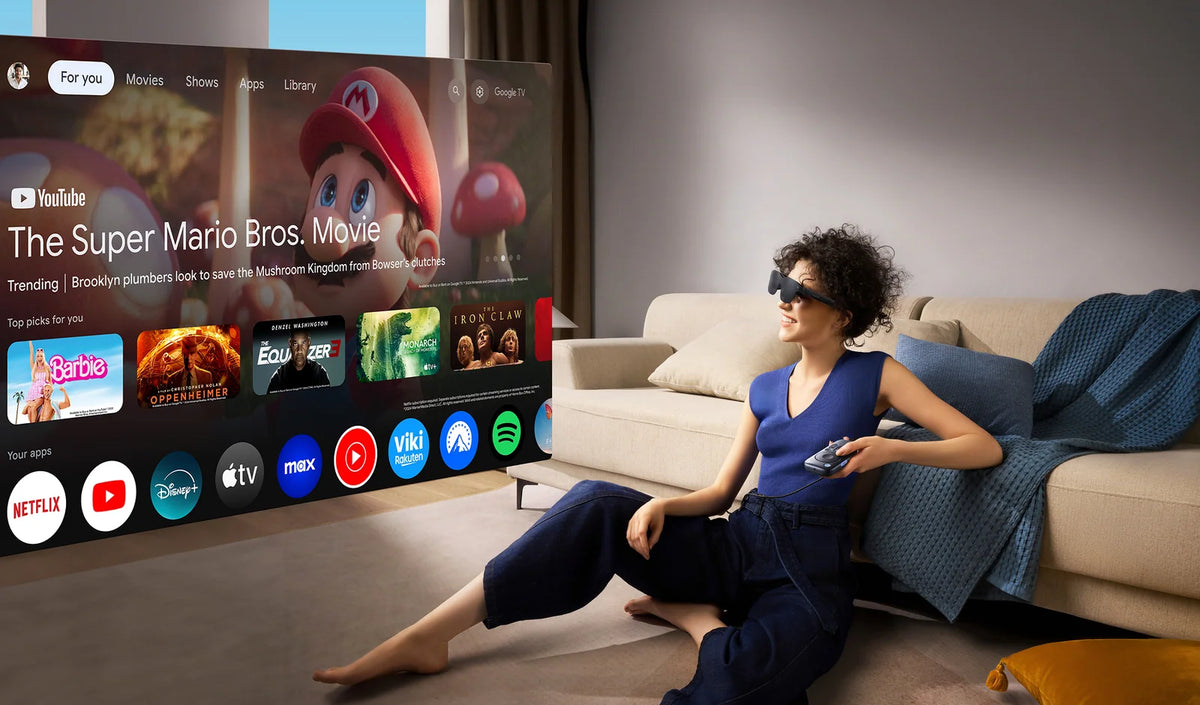
Watch privately in bed, in a shared space or away from home without mounting another television.
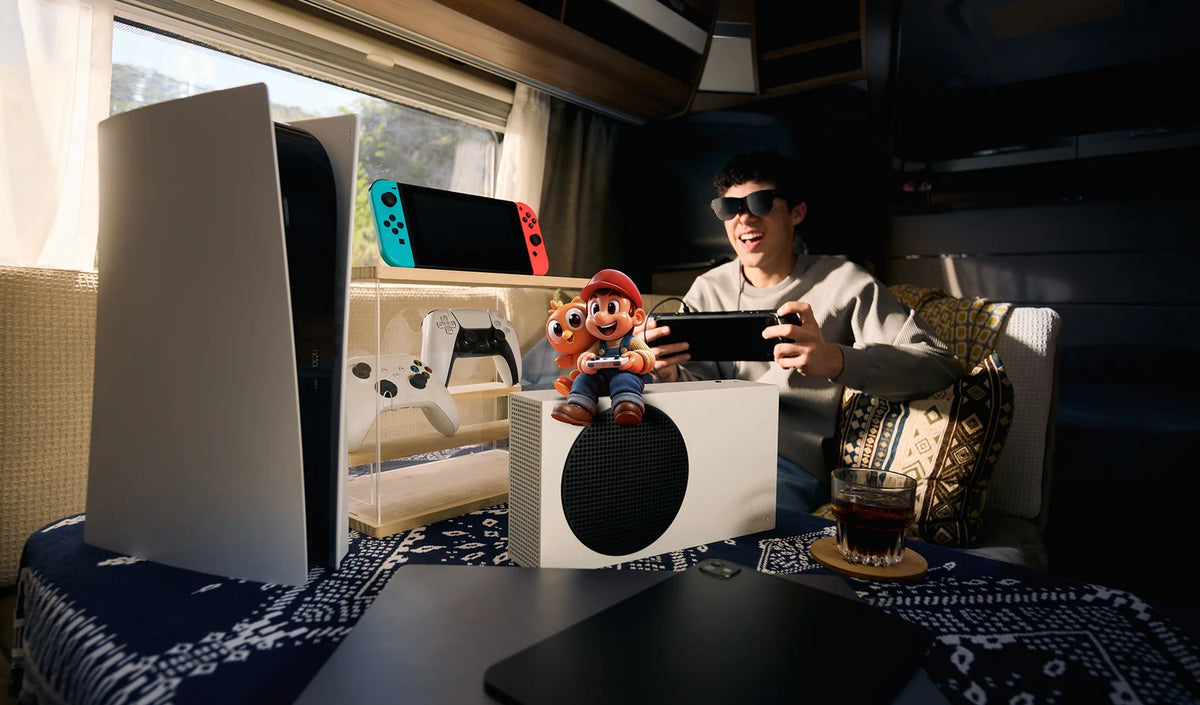
Connect a compatible handheld, phone or console setup for a large, smooth 120 Hz gaming view.
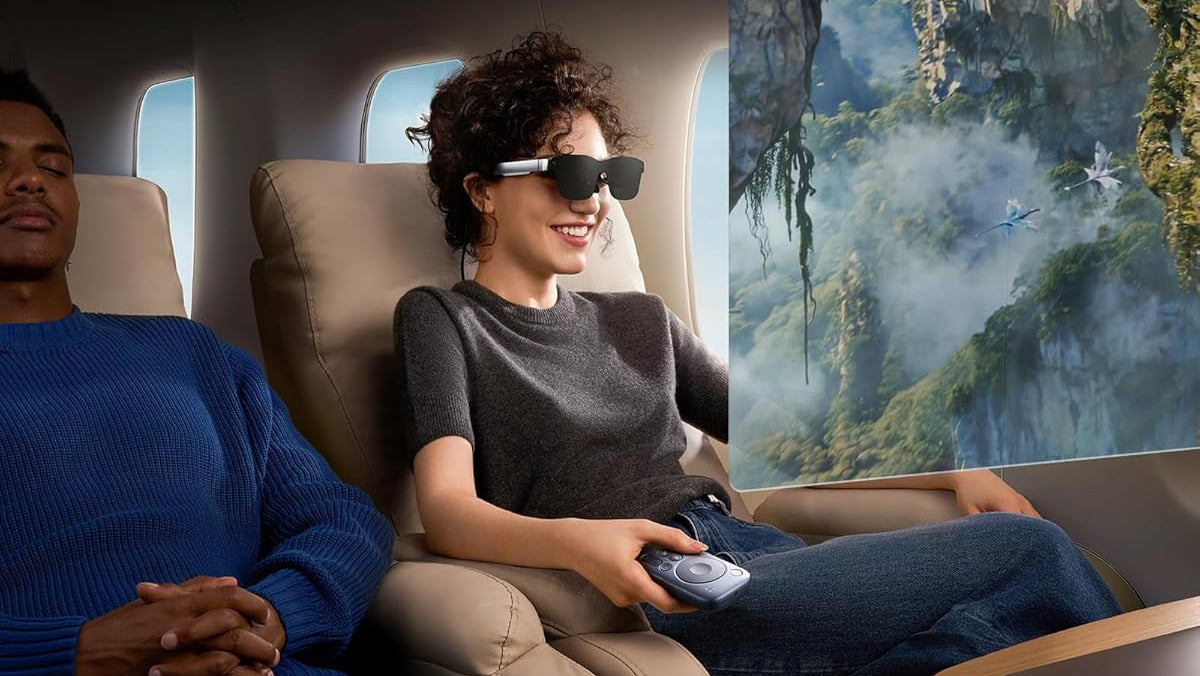
Carry a private display onto a flight, into a hotel or through a long wait without packing a monitor.
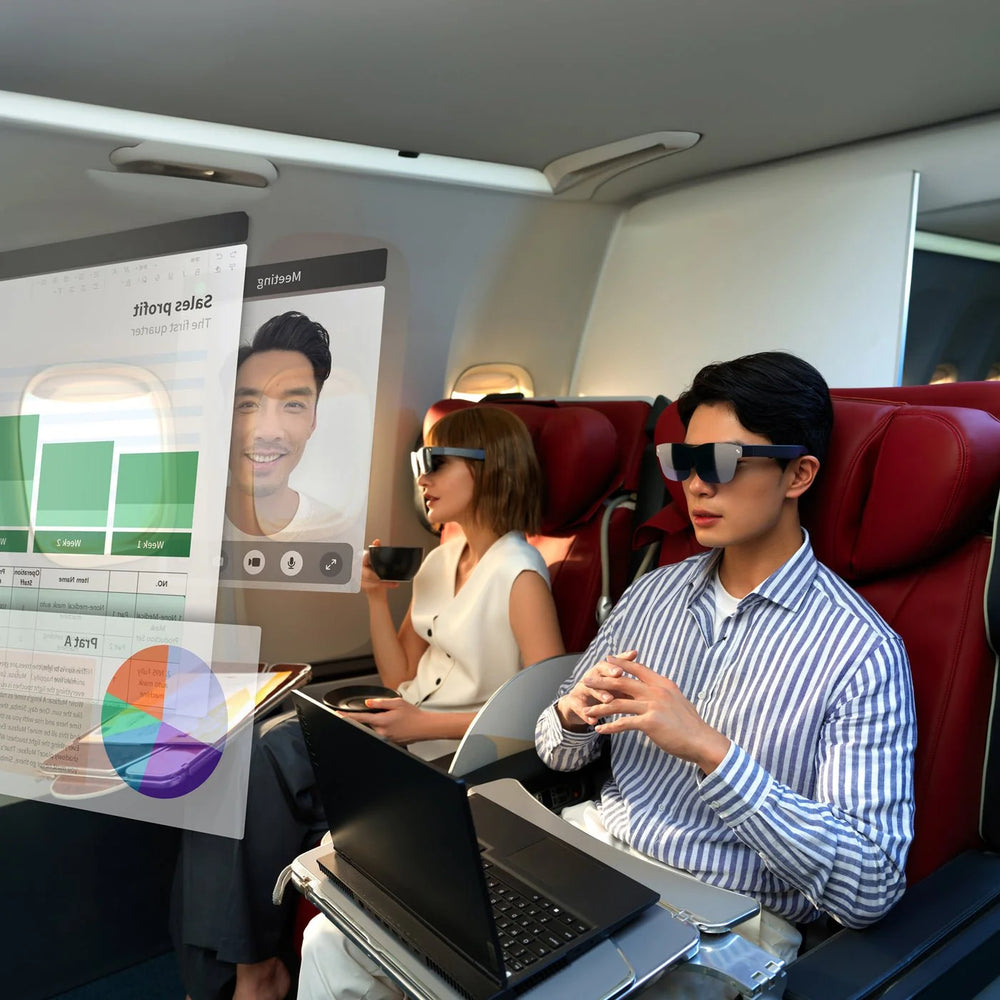
Use a compatible laptop as the source for a personal display when desk space is limited.
Choose your RayNeo Air
Air 2S is the lowest-cost way in. Air 3S modernises the everyday experience, Air 3S Pro raises brightness, and Air 4 Pro adds the strongest picture processing and audio in the current range.
For budget-conscious buyers who want a private 1080p screen for films and casual gaming.

R 5,799.00
For first-time buyers who want a newer everyday display with more brightness and refined audio.

R 8,199.00
For viewers who want a brighter display and more picture modes while retaining the familiar Air experience.

R 8,199.00
For buyers who prioritise HDR, richer colour, clearer processing and the best audio in the range.
Compare the range
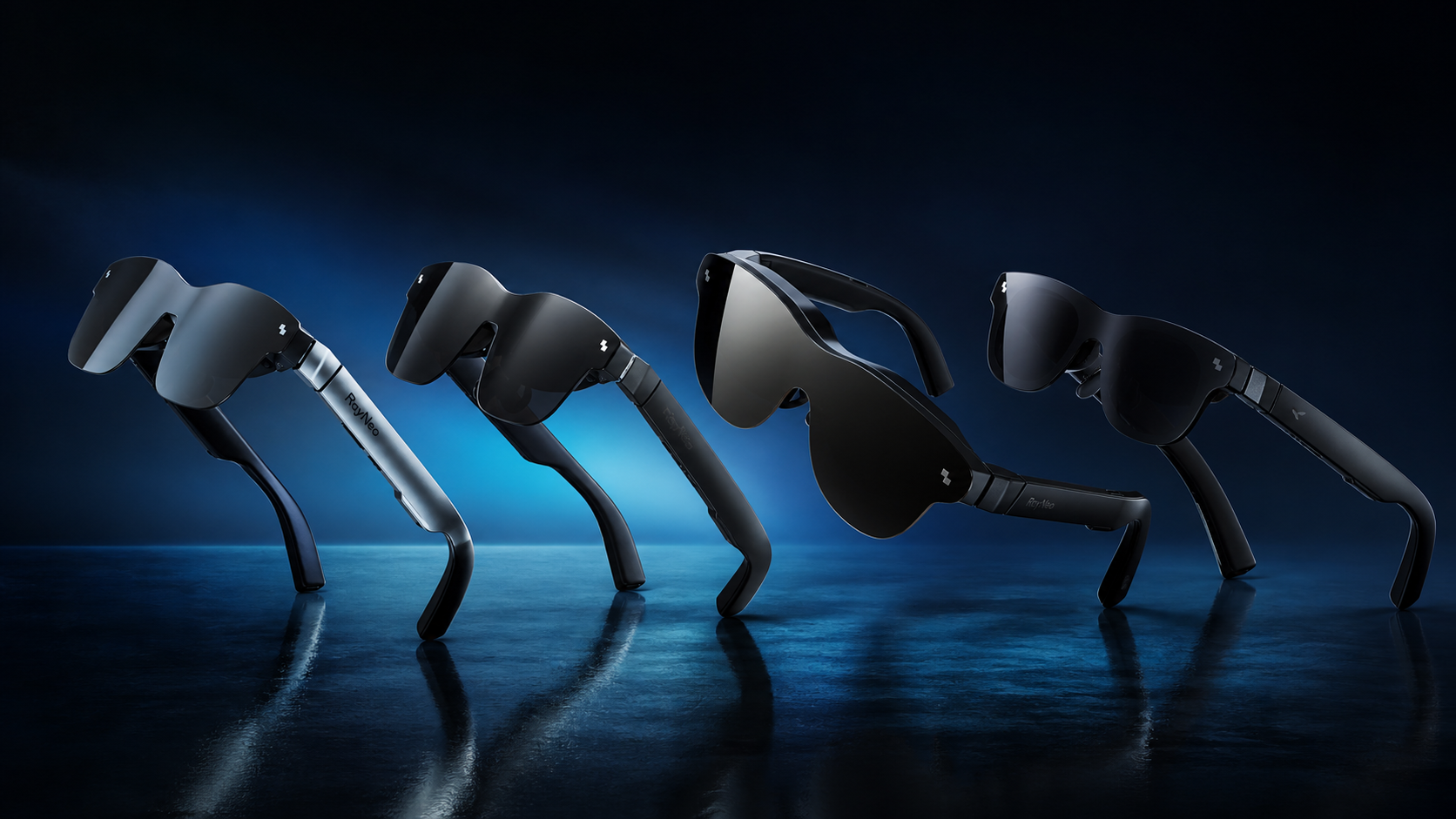
| Feature | Air 2S | Air 3S | Air 3S Pro | Air 4 Pro |
|---|---|---|---|---|
| Best for | Lowest entry price | Current-gen value | Extra brightness | Best picture and audio |
| Display | 1080p Micro-OLED | 1080p Micro-OLED | 1080p Micro-OLED | 1080p Micro-OLED |
| Refresh rate | Up to 120 Hz | Up to 120 Hz | Up to 120 Hz | Up to 120 Hz |
| Brightness | 600 nits | 650 nits | Up to 1,200 nits | Up to 1,200 nits peak |
| HDR processing | — | — | — | HDR10 · SDR-to-HDR |
| Colour modes | Three colour modes | Standard · Game · Movie · Eye Protection | Six display modes | Standard · Movie · Eye Protection plus HDR options |
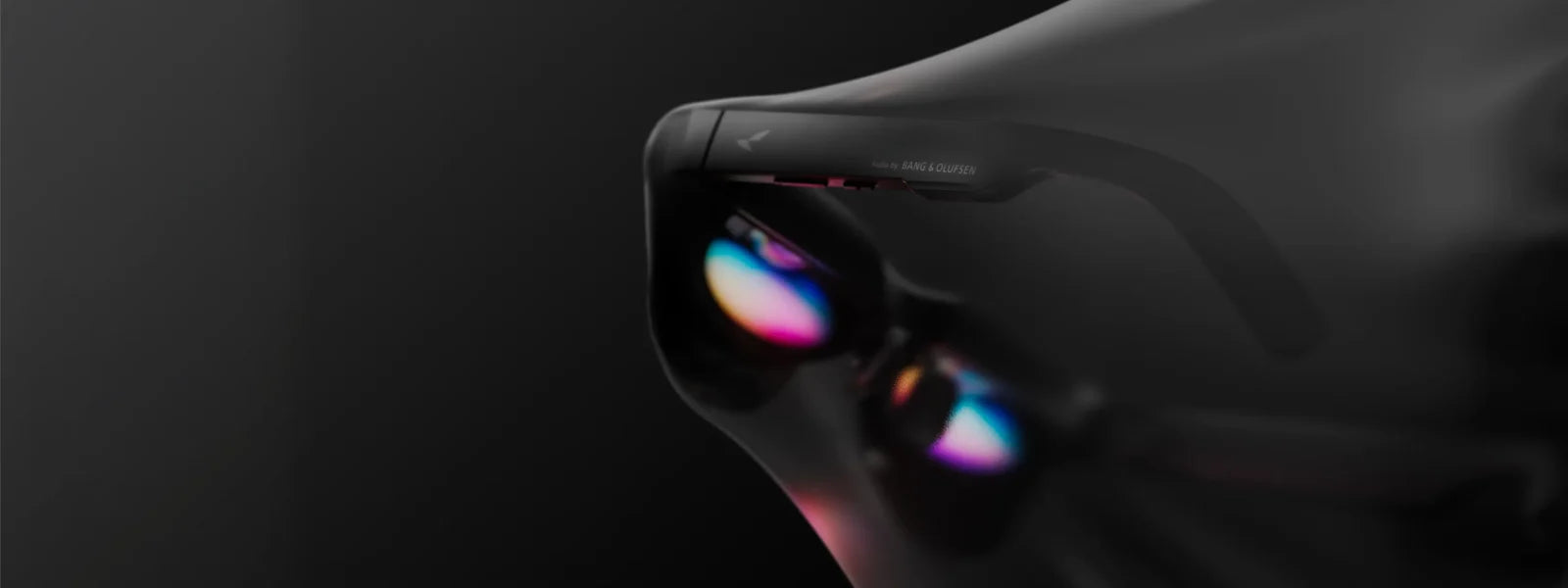
| Audio | Push-Push quad speakers · 3D surround | Quad speakers · Whisper Mode 2.0 | Quad-speaker spatial sound | Four speakers tuned by Bang & Olufsen |
| Weight | 76 g | 76 g | 76 g | 76 g |
Swipe horizontally to see the full comparison.
Compatibility before checkout
RayNeo Air glasses receive video from another device. The key requirement is video output—usually DisplayPort over USB-C—or the correct adapter.
 Connect the right source
This local checker is based on RayNeo's published compatibility list. Regional variants, manufacturer updates and individual apps can affect support.
View RayNeo's official compatibility list ↗ Confirm my exact device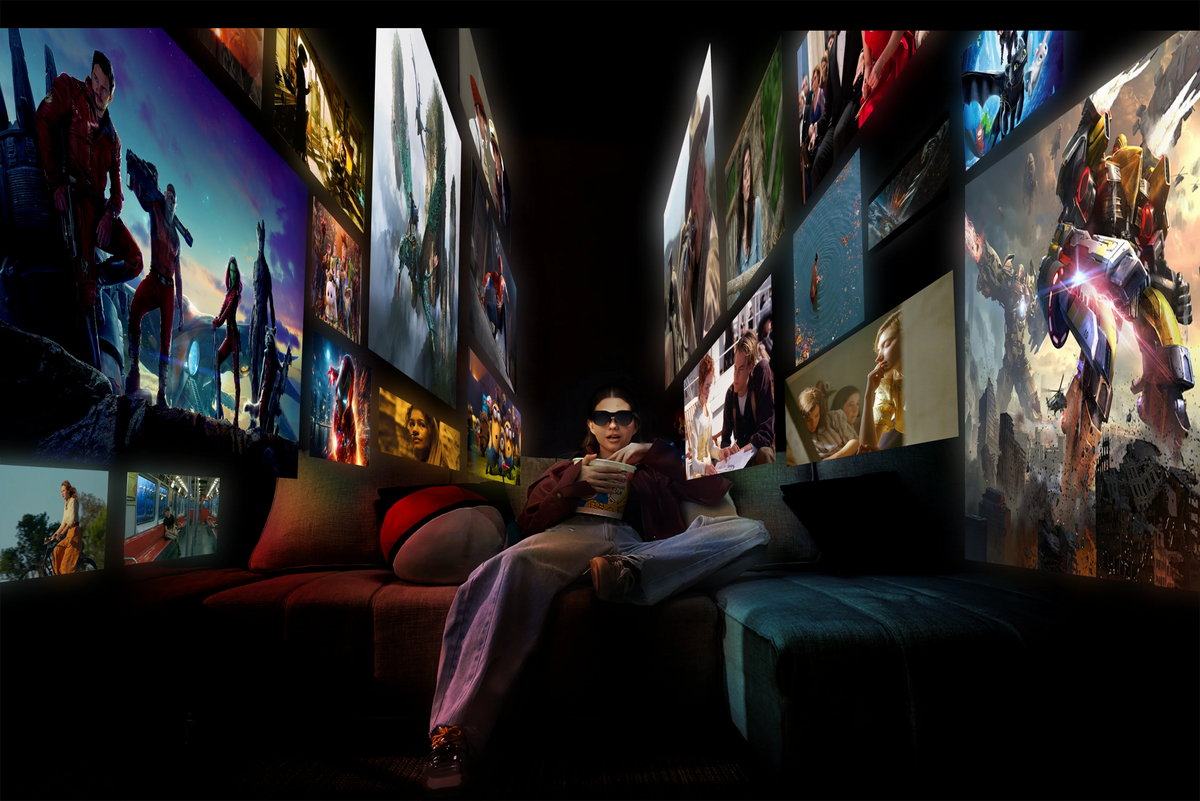
Simple by design
Plug the glasses into a compatible USB-C video source, or add the correct adapter for your device.
Choose the nose pad, viewing angle, brightness and volume that suit your face and surroundings.
Open a film, game or work window on the connected device and use it as you normally would.
Good to know
If your exact phone or console is not covered here, ask 180by2 to confirm the setup before ordering.
No. The Air Series is designed primarily as a wearable display. It does not include a camera or onboard AI assistant.
No. The glasses need a compatible device to provide the video and audio. A Pocket TV or similar supported accessory can act as the source, but the glasses themselves are not a standalone computer.
Not necessarily. The phone's USB-C port must support video output, usually DisplayPort Alt Mode. Ask 180by2 to confirm your exact model before ordering.
Yes, with the appropriate setup. HDMI consoles generally require a powered HDMI-to-glasses adapter. Nintendo Switch normally requires a compatible dock or JoyDock-type accessory.
The models include a prescription-lens frame that can be fitted separately by a suitable optical provider. Prescription lenses are not built into the display glasses by default.
The image is projected for the wearer, making it substantially more private than a phone, laptop or television. Open-ear audio may still be audible nearby, although Whisper Mode is designed to reduce leakage.
A screen that travels with you
Start with Air 2S for the lowest entry price, choose Air 3S for current-generation value, move to Air 3S Pro for brightness, or choose Air 4 Pro for HDR picture processing and Bang & Olufsen-tuned sound.
Local support · 4.9-star rating on Google Reviews · Delivery to all parts of SA