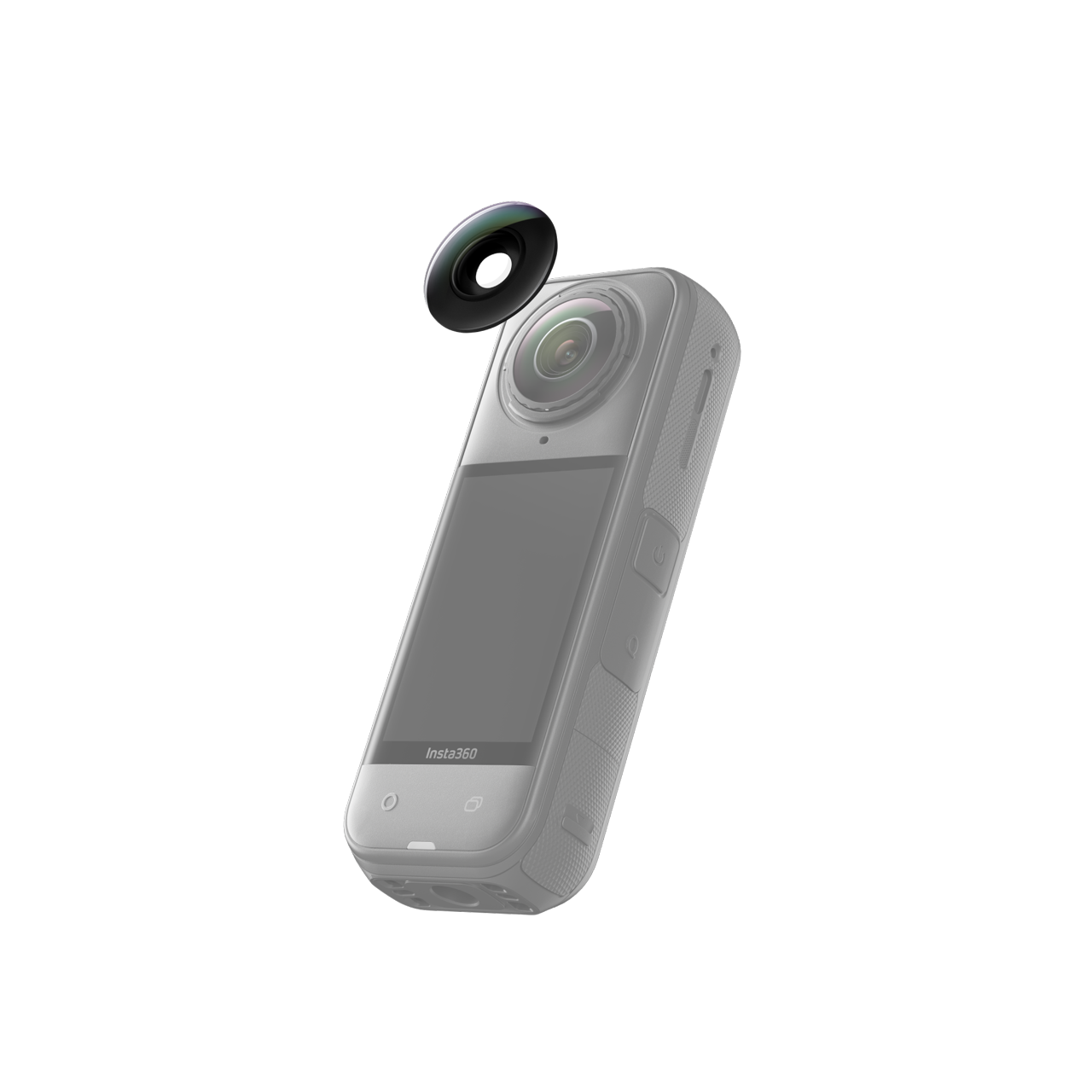
The Insta360 Lens X5 Replacement Kit is among the innovations that come with the X5 and is designed to give users more freedom and boldness when it comes to recording in high action/high intensity situations. In addition to the Insta360 X5 lens being 100% more durable than those of the Insta360 X4, you also get the ability to replace your lens in the unlikely event that you're able to shatter or scratch them. All worries about lens durability have now been trivialized. Welcome to a new era of effortless and free content.
Key Features
Easy, user-serviceable lens replacement
The X5’s modular lens architecture allows creators to remove and replace the outer lenses without sending the camera in for repair. This means faster recovery after scratches, cracks, or impact damage.
Same optical performance as factory lenses
Each replaceable lens is manufactured to the same optical standards as the original X5 lenses, maintaining clarity, sharpness, and color accuracy—even after repeated swaps.
Designed for quick, clean installation
The kit includes the tools needed to safely remove the damaged lens and install the new one. Installation requires a clean, dry, dust-free indoor environment and takes only a few minutes with the included instructions.
Freedom to customize or double up
Choose a Single Lens kit for quick recovery or a Double Lens kit that includes both lenses at a discounted rate. Additional design options are available for creators who want unique visual styling.
Reliable construction for real-world shooting
Each lens is built to withstand the unpredictable conditions creators face—from travel stress to rapid temperature changes. Minor glare or reflections may appear depending on design variations.
In the Box
Single Lens Kit
Specs
| Item |
Specification |
| Compatibility |
Insta360 X5 |
| Lens Type |
Replaceable outer optical lens |
| Kit Options |
Single Lens / Double Lens |
| Materials |
Optical glass, precision-machined lens housing |
| Recommended Installation Environment |
Clean, dust-free indoor space under 60% humidity |
| Tools Included |
Lens removal tool, cleaning cloth |
| Supported Use Cases |
Damage replacement, aesthetic customization, optical refresh |
Notes
-
Avoid replacing lenses in humid or dusty environments.
-
Do not continue installation if you encounter warped threads, damaged lens rings, or debris that cannot be cleaned.
-
Use a lens cloth beneath the camera to prevent accidental scratches during installation.
-
Contact Insta360 support if the lens mount shows signs of structural wear.



 Pay in 4 interest-free payments of R 244.75.
Learn more
Pay in 4 interest-free payments of R 244.75.
Learn more