




PayJustNow
Description
Features
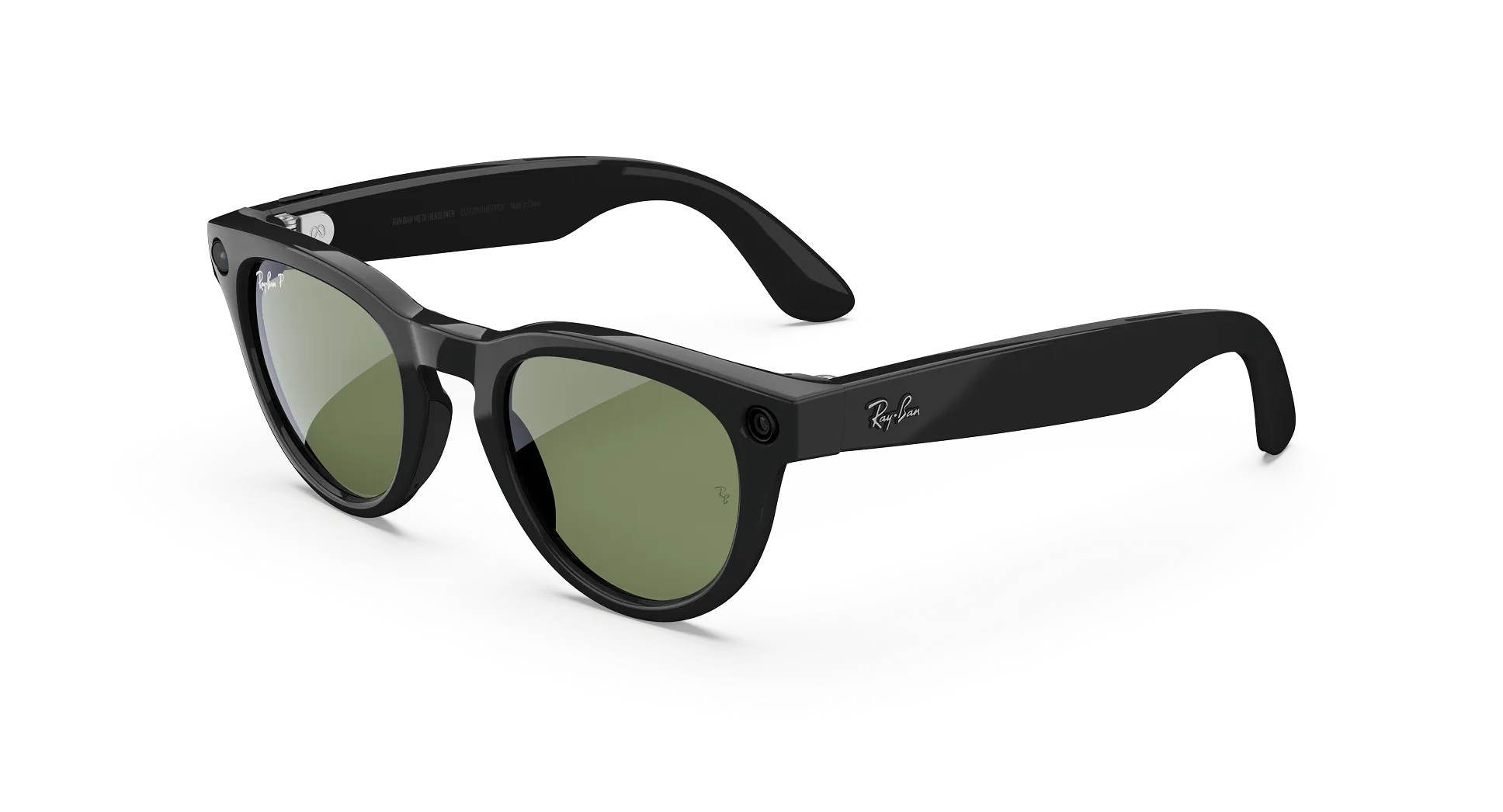
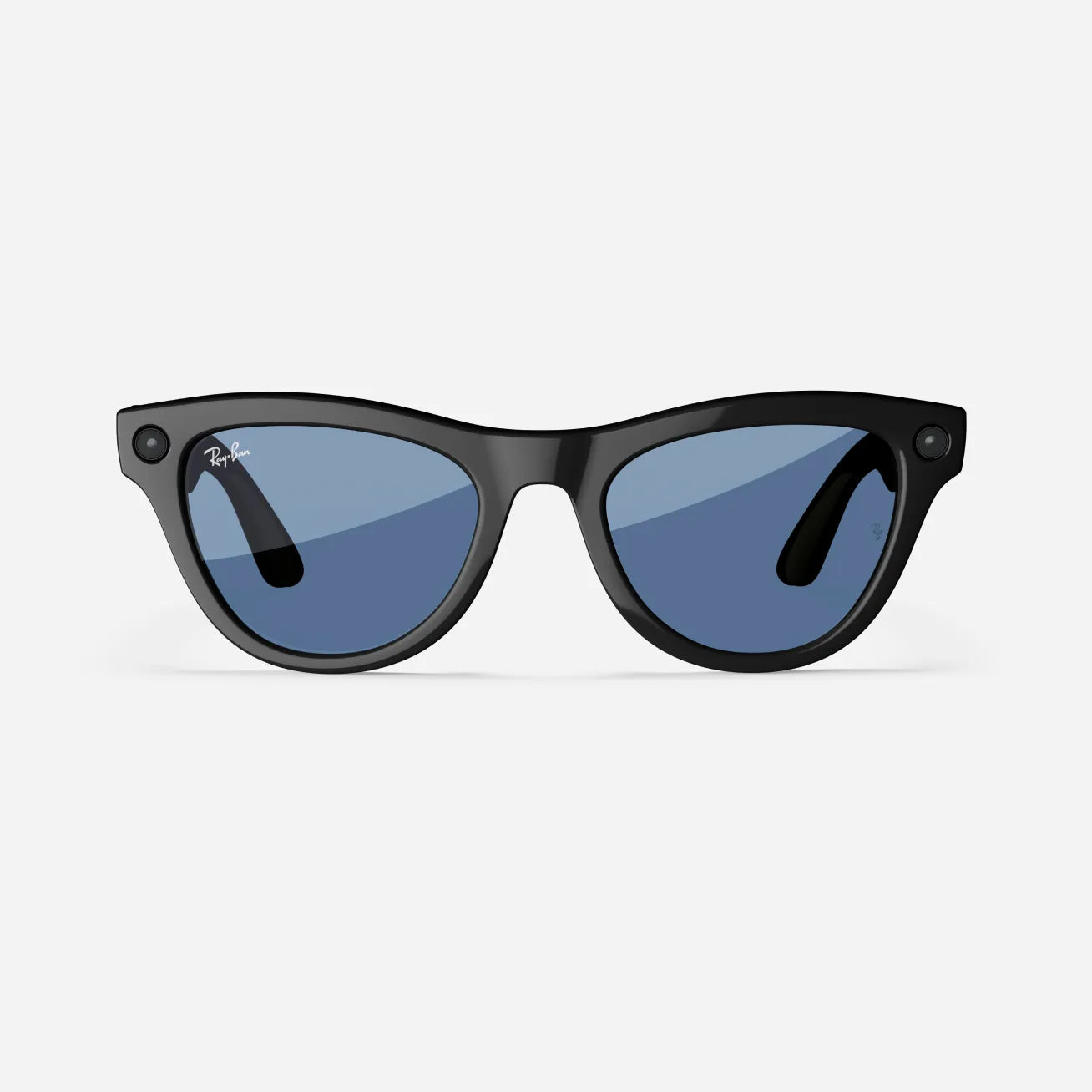
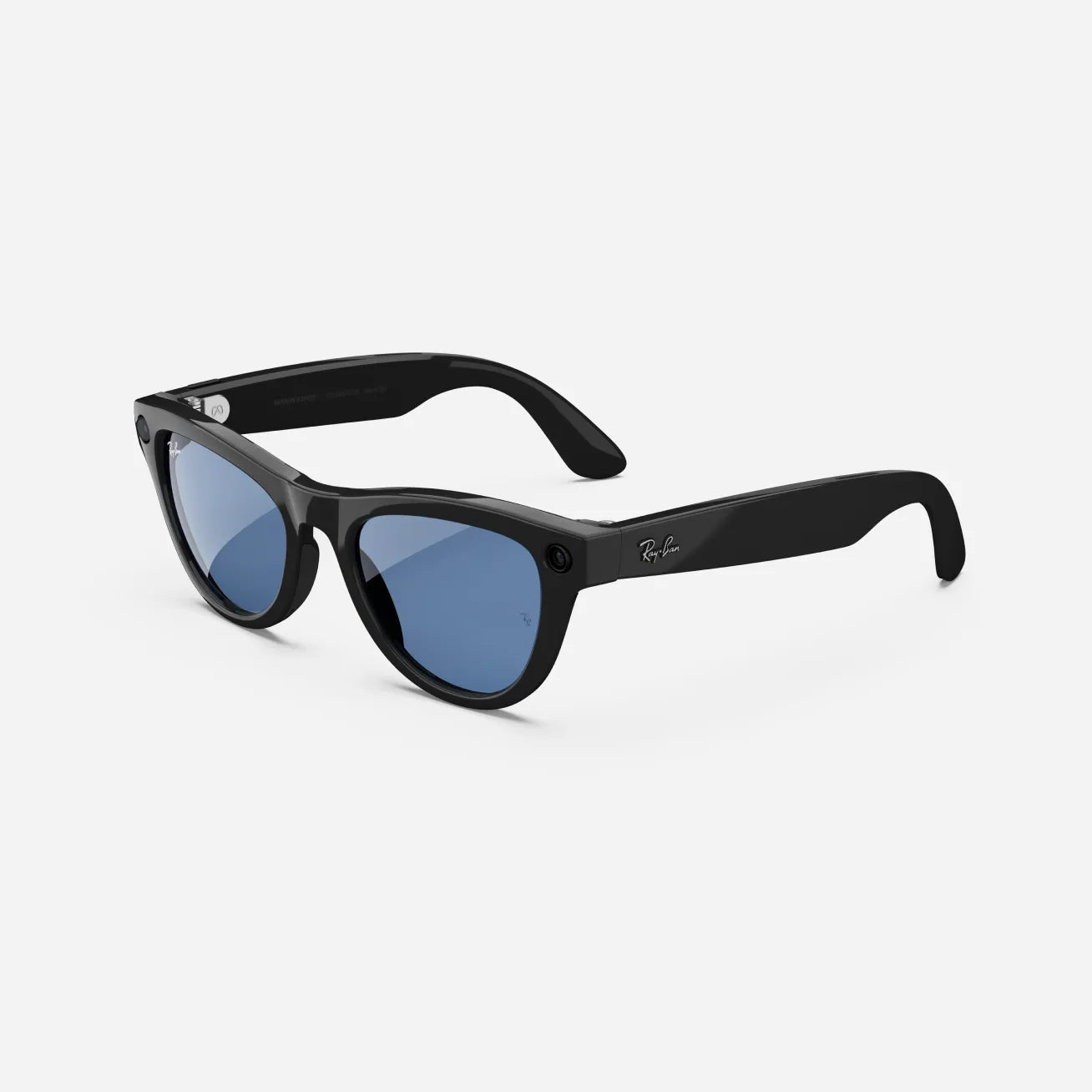
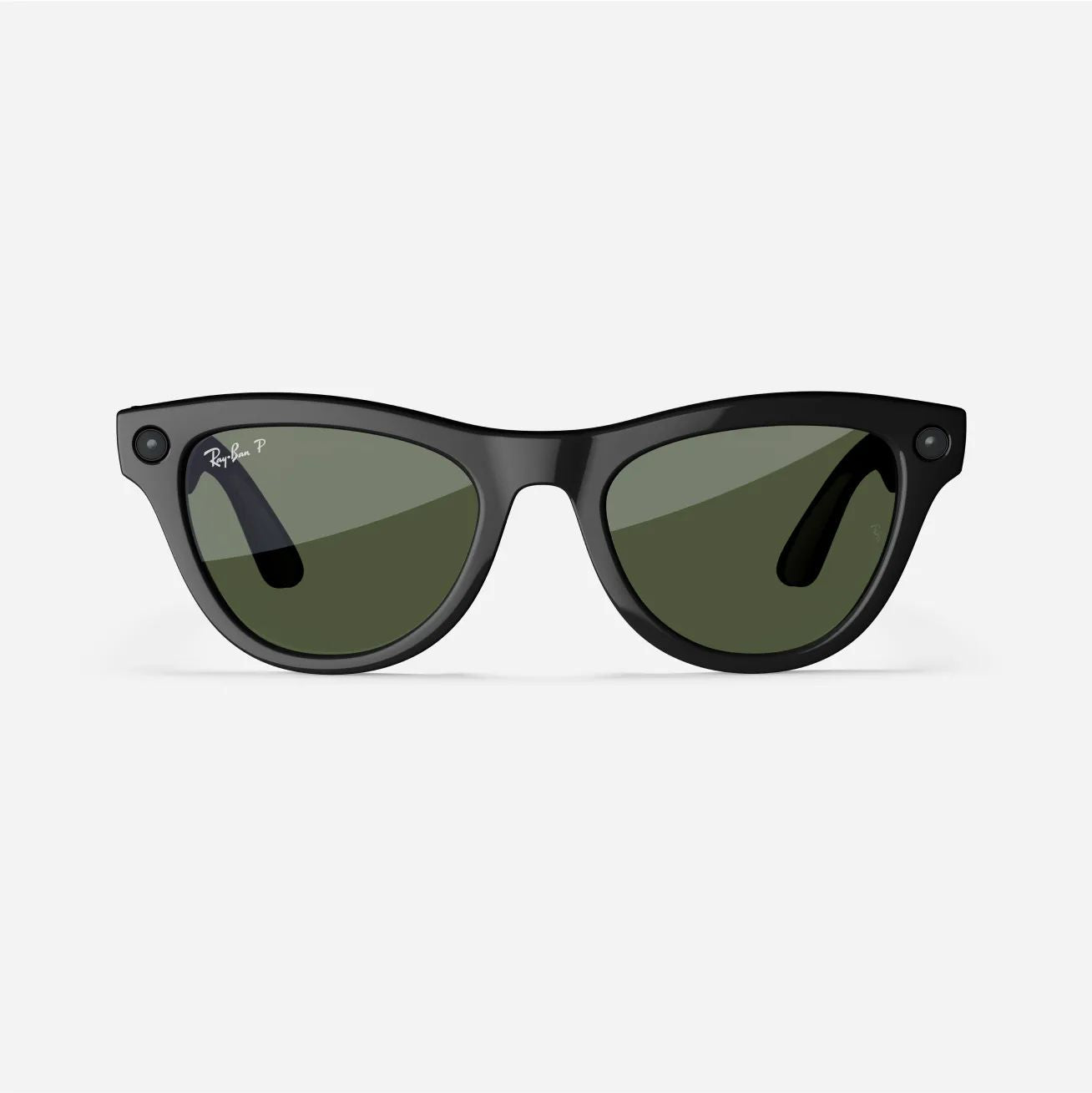
See more Headliner Variants



FAQs
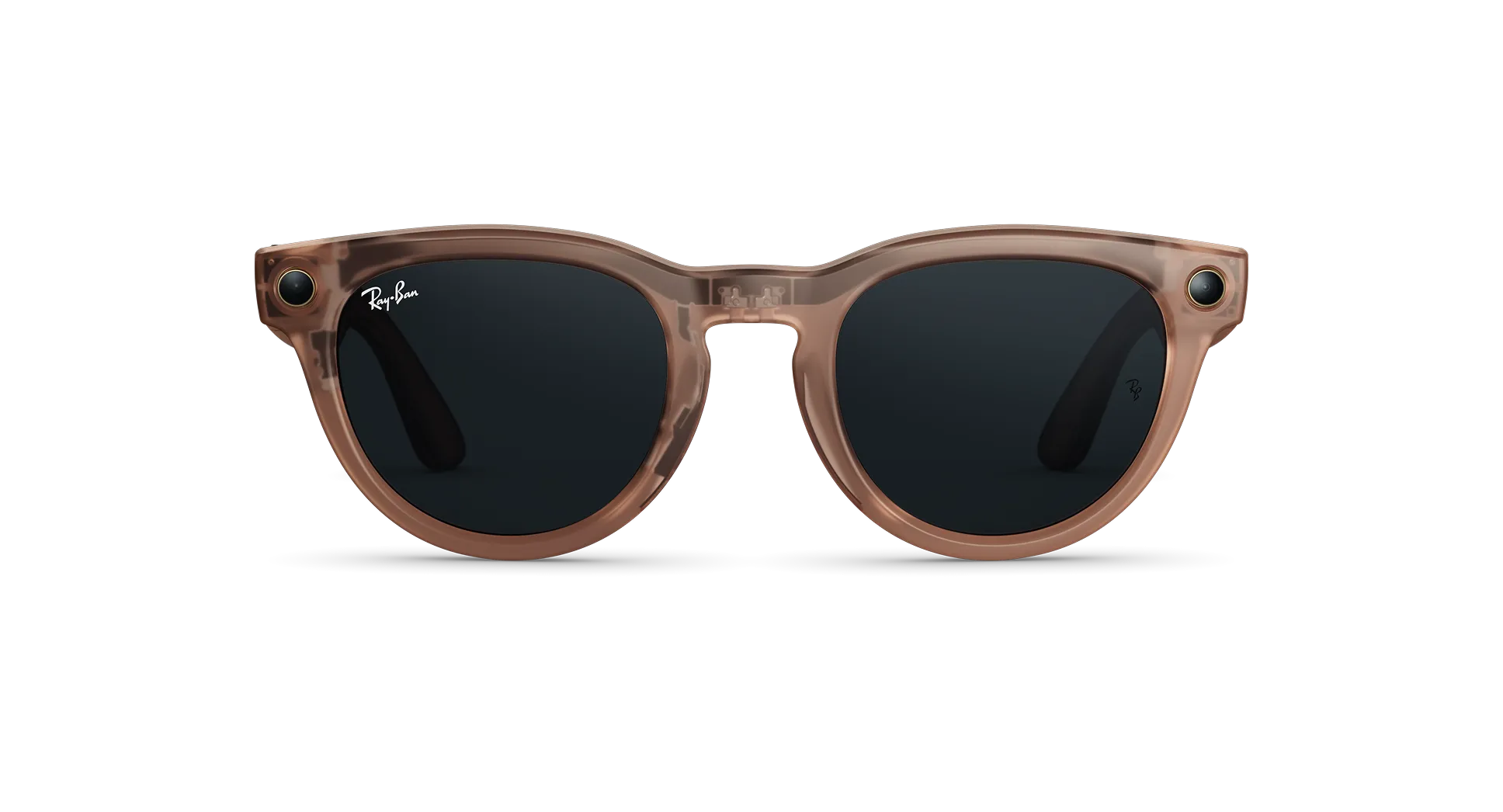
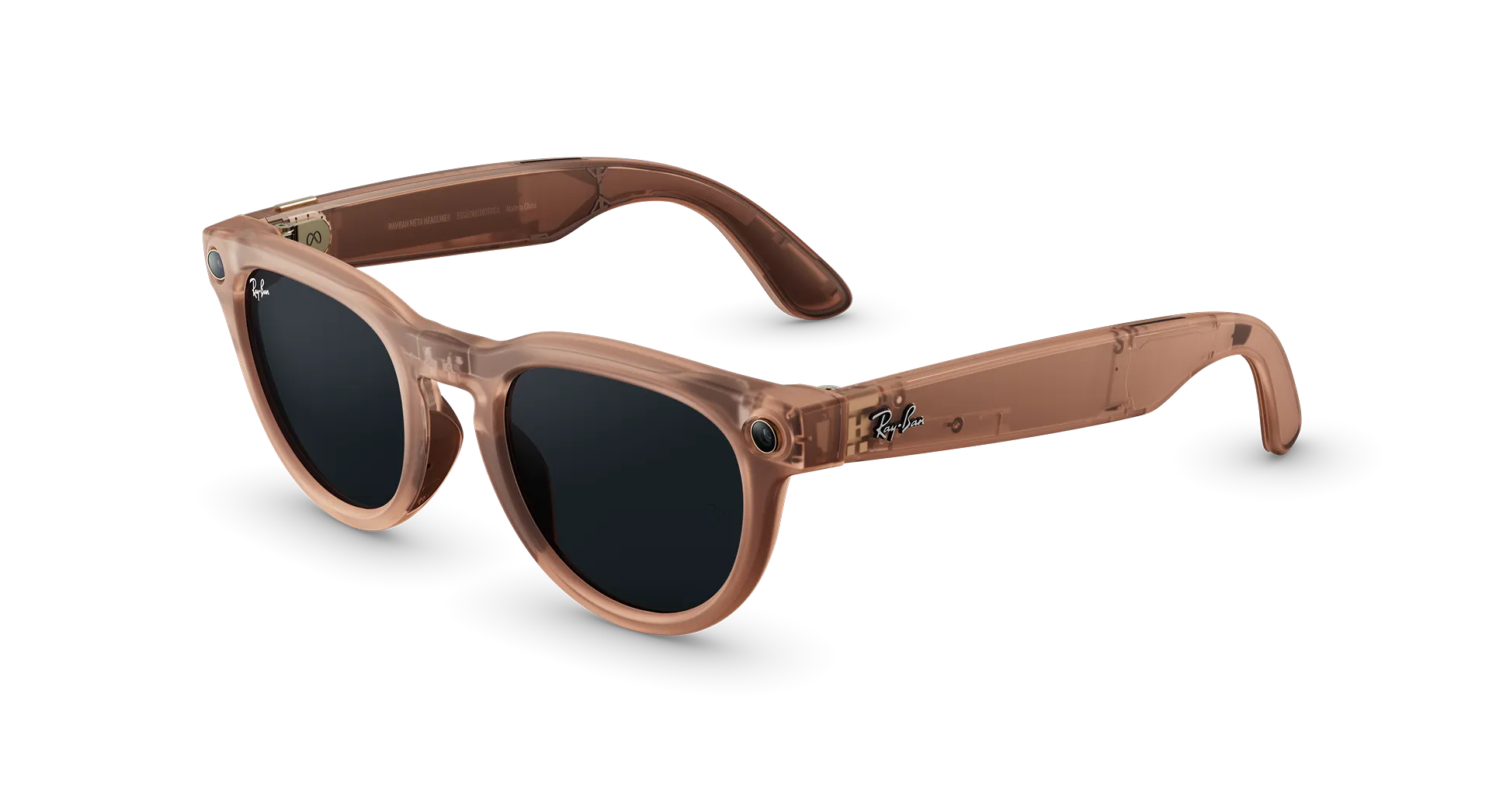
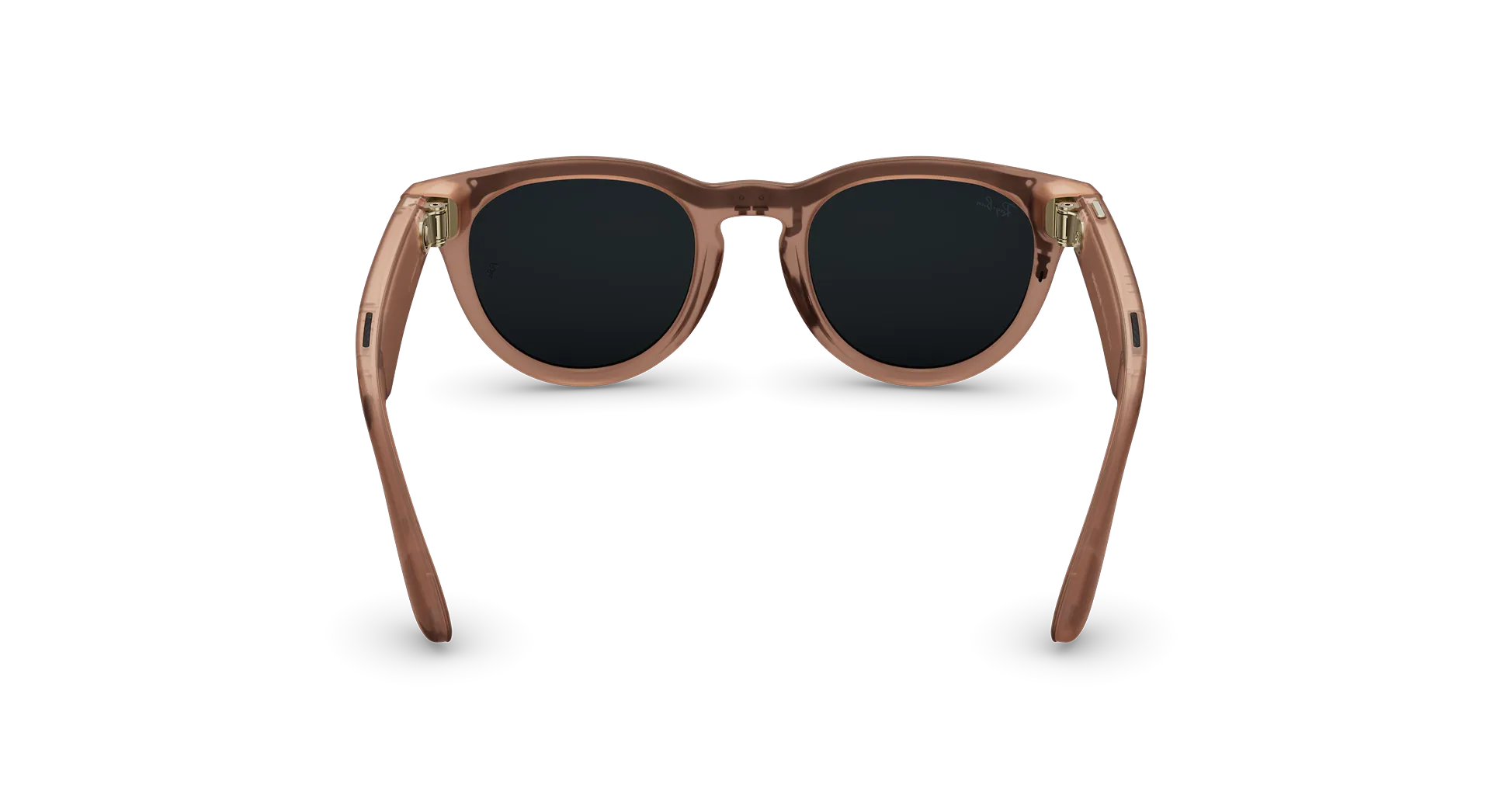
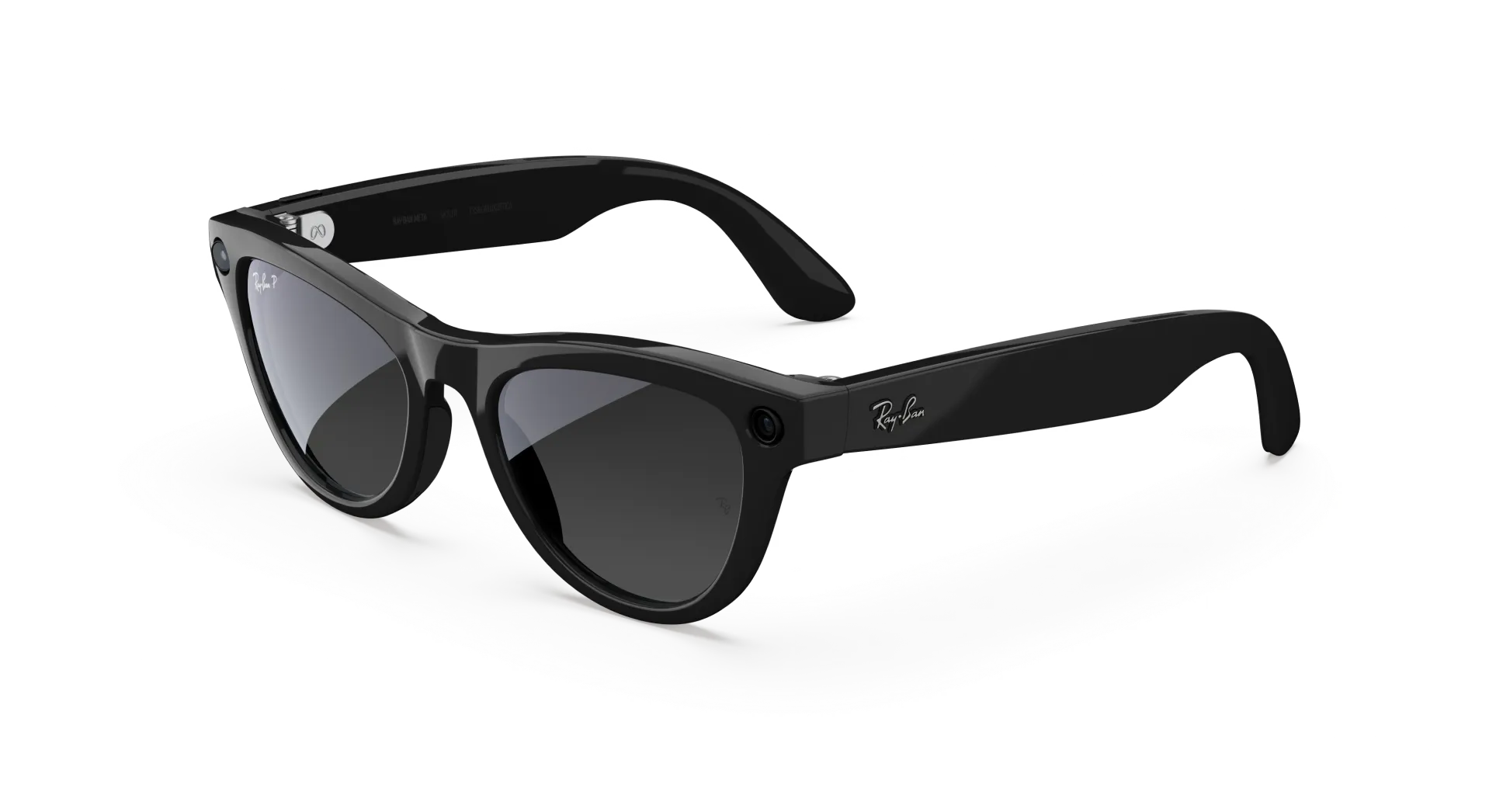
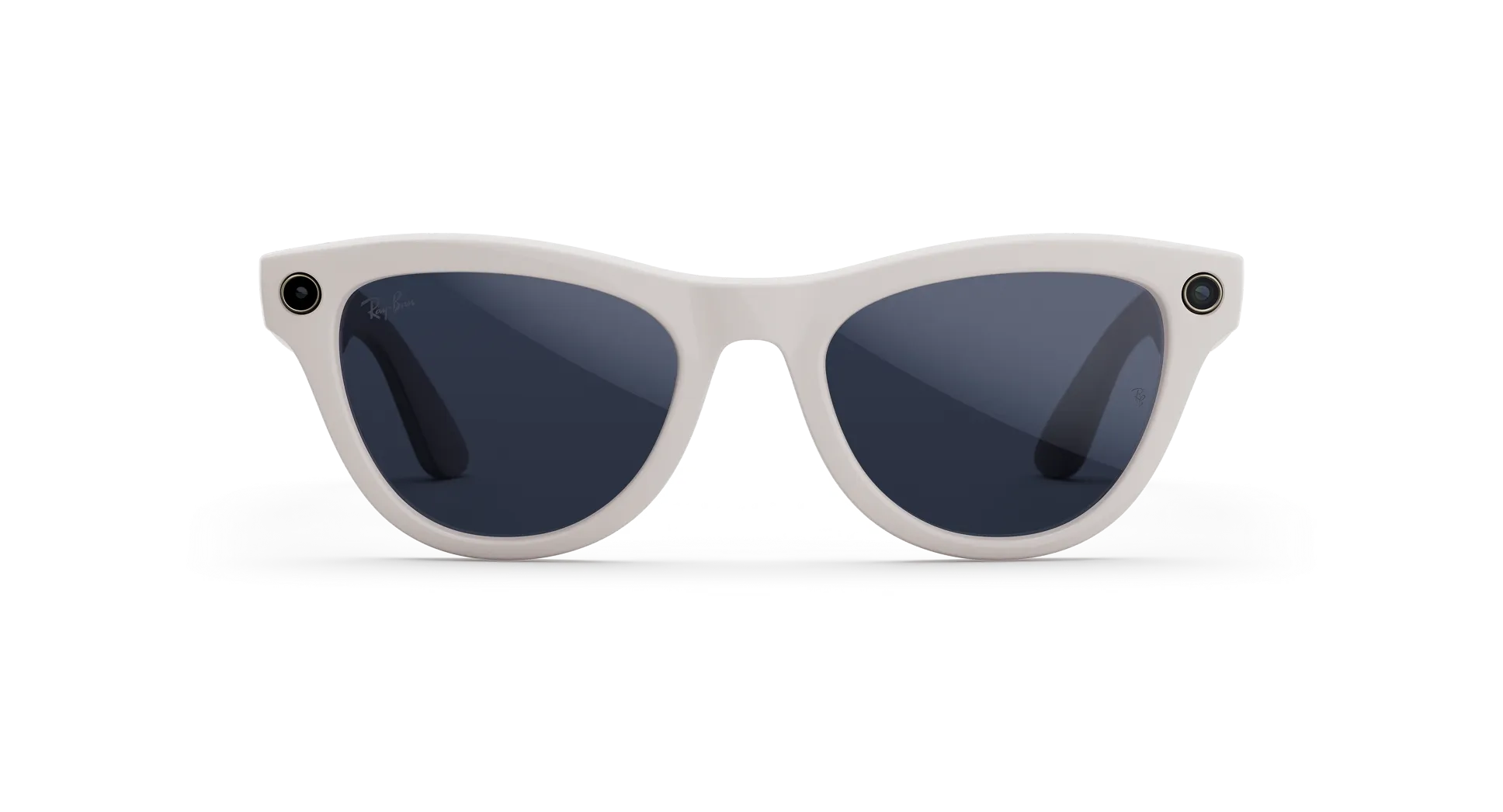
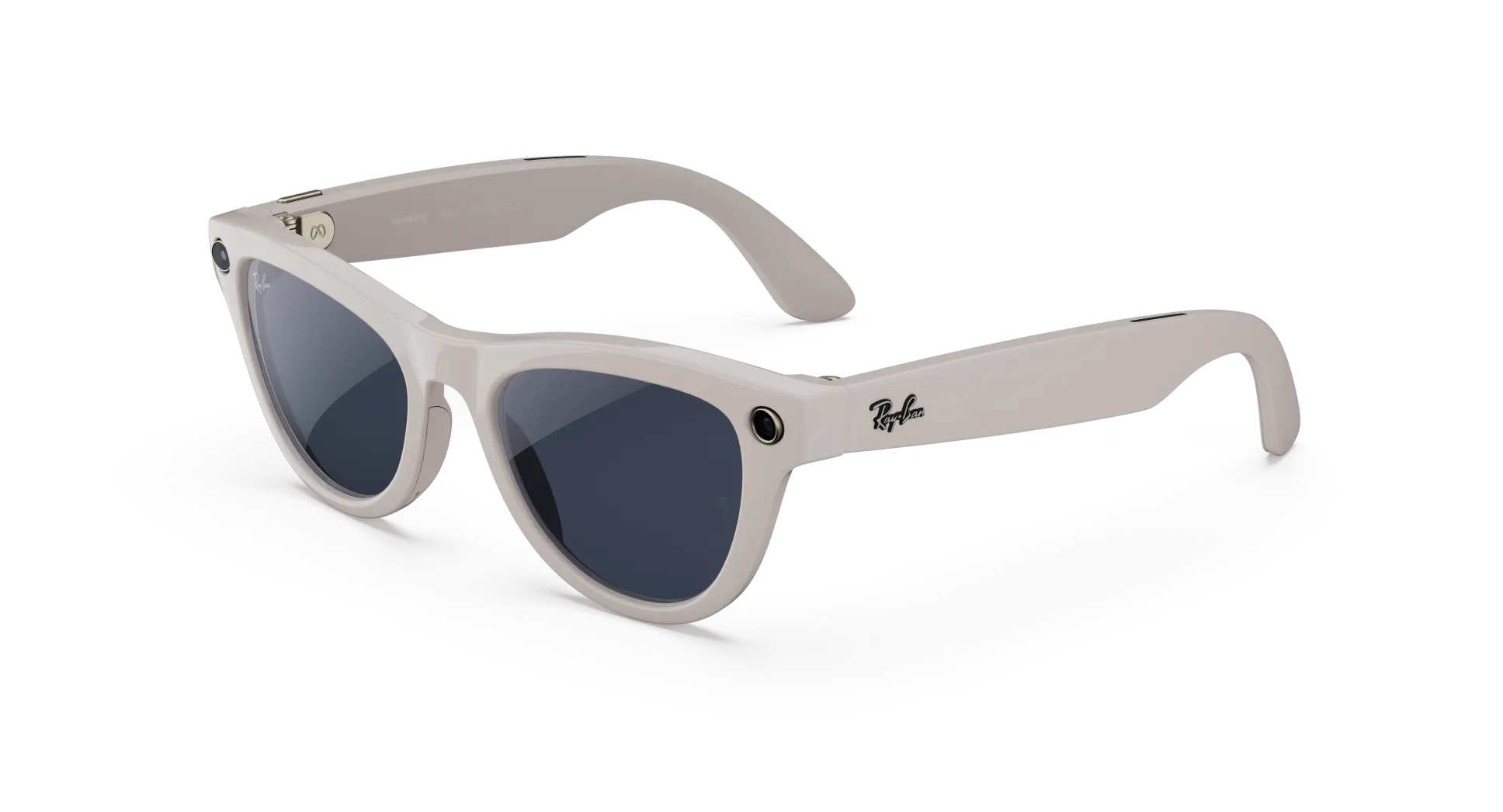
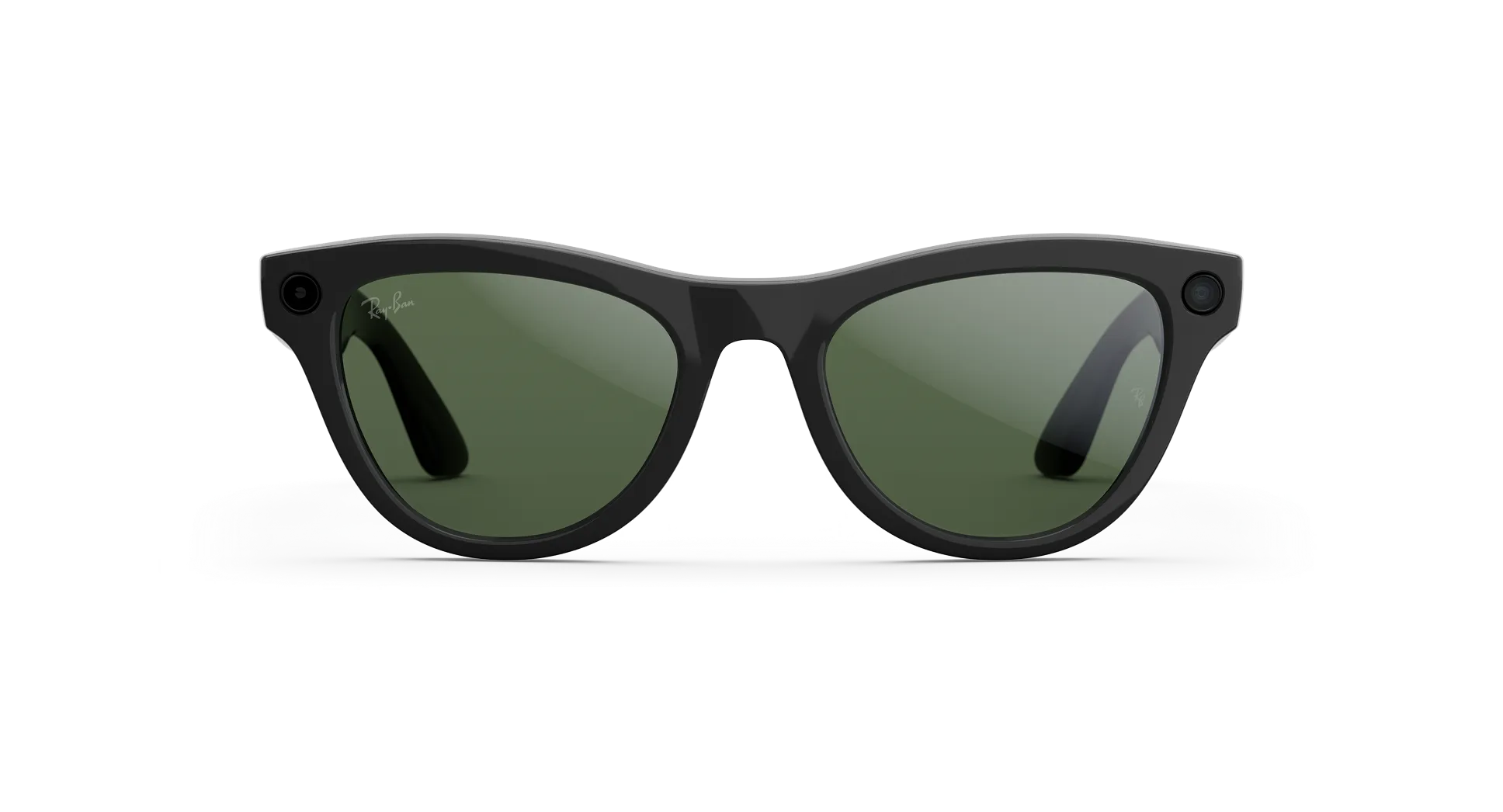
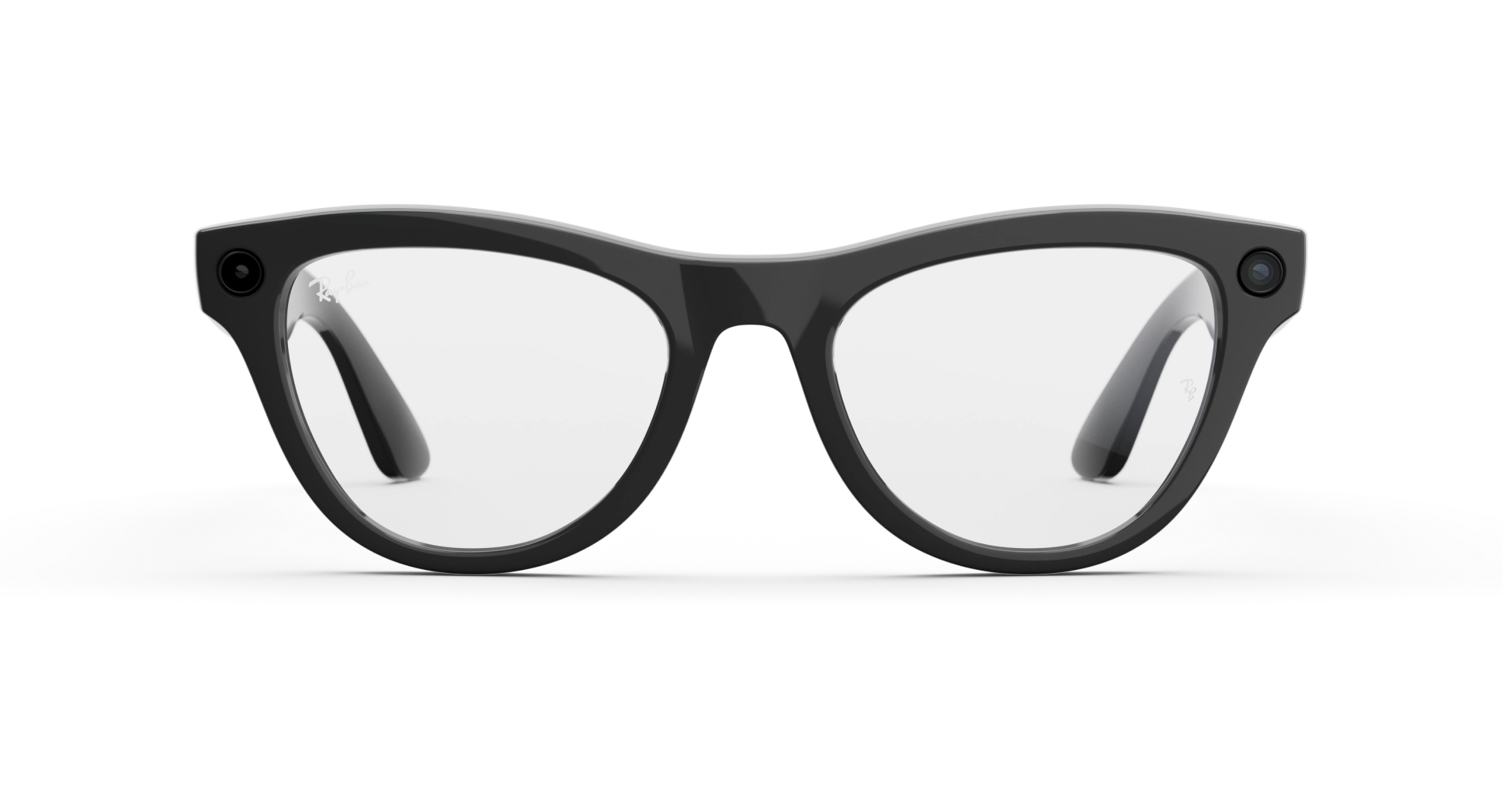
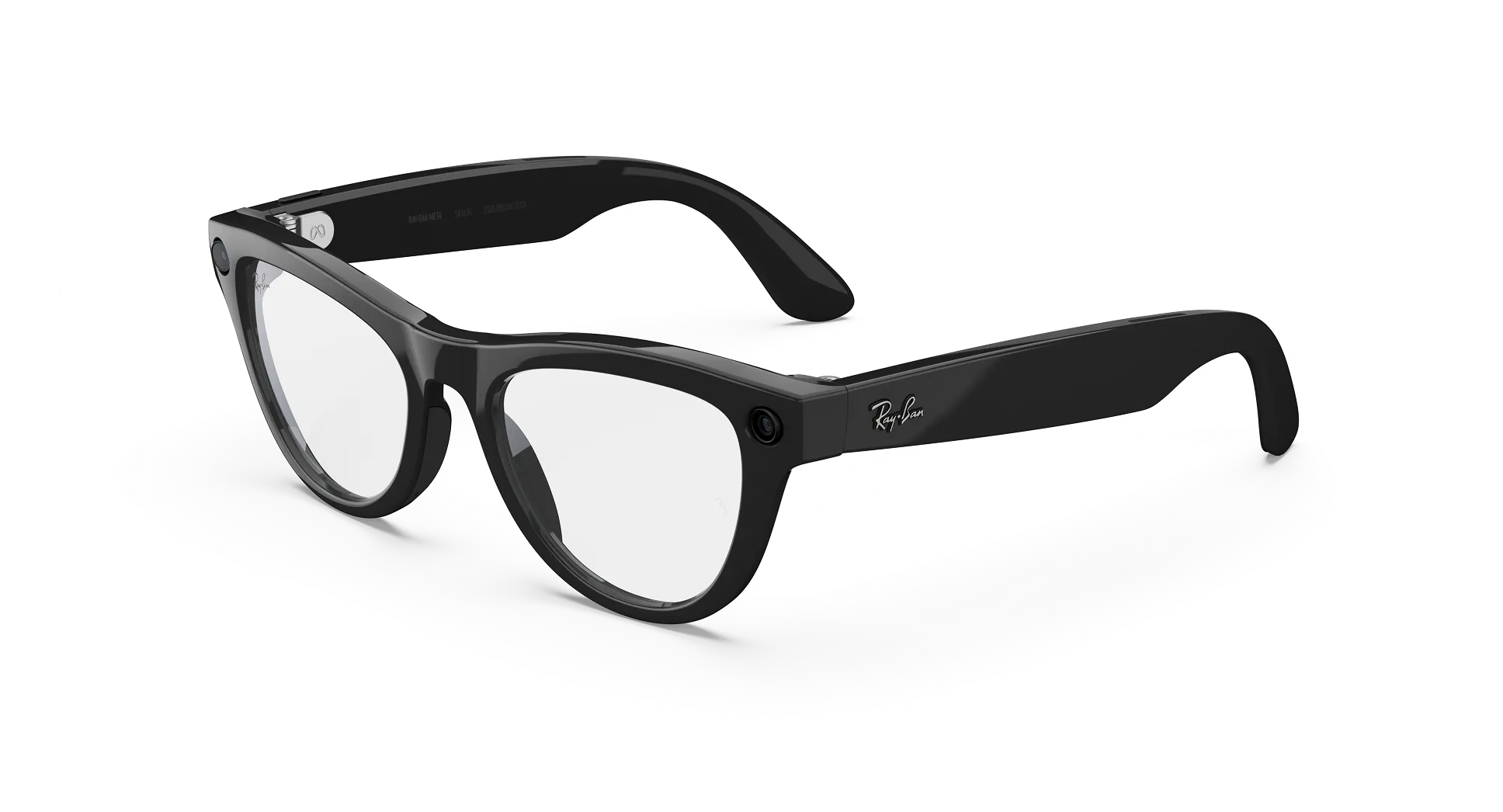
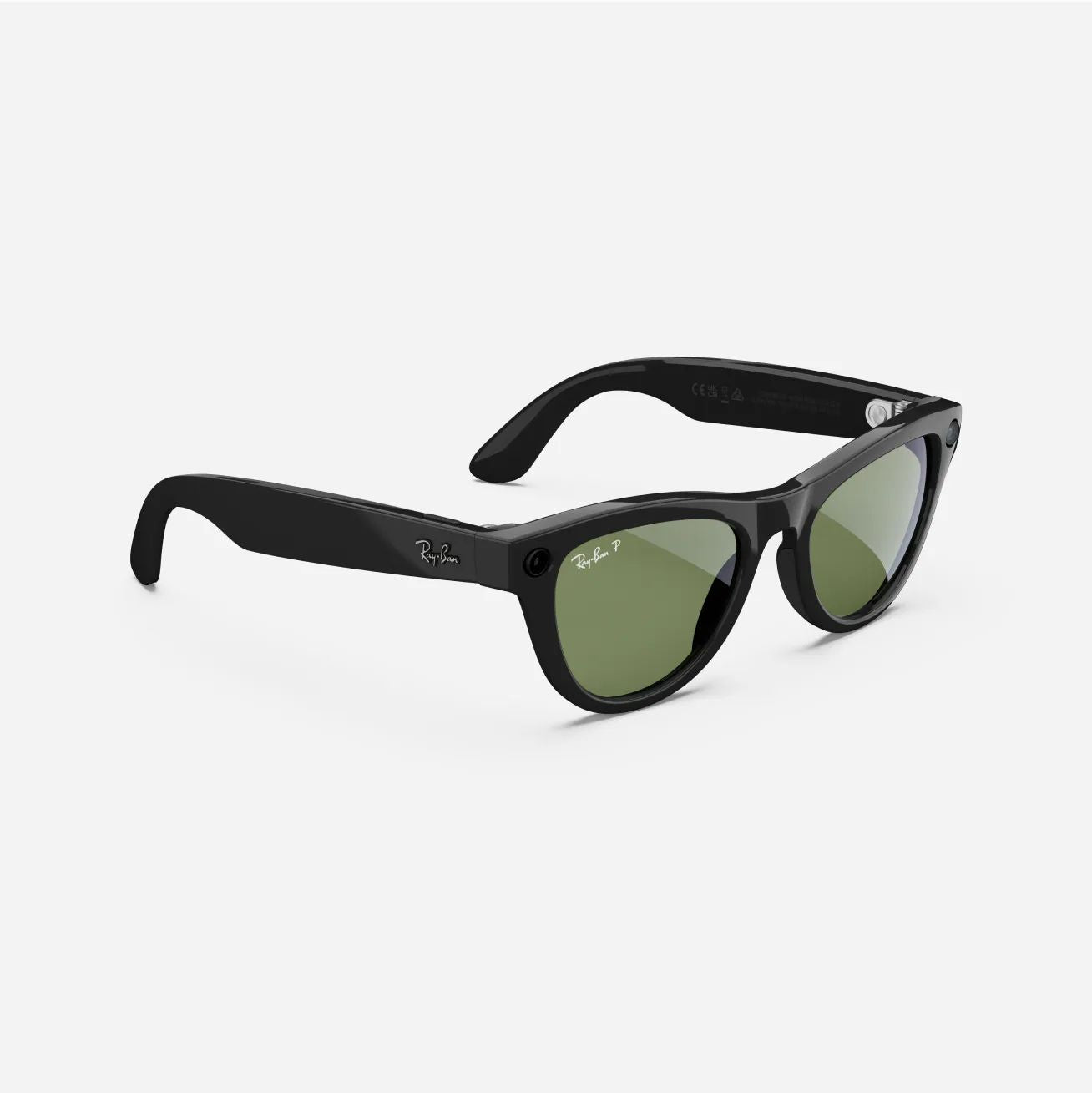
Ray-Ban Meta (Gen 2) features an upgraded camera with improved 3K Ultra HD video resolution and up to 8 hours of battery life on a single charge, 2x the battery life of Ray-Ban Meta (Gen 1).
To operate Ray-Ban Meta glasses (Gen 1 or Gen 2), you need to connect your AI glasses with a smartphone and the Meta AI app.
Here’s the complete list of what you need:
- Smartphone—Android 10 or above (with location services enabled) or iPhone 10 or above (running iOS 14.4 or above).
- Wireless internet access
- USB-C charging cable and a plug (if charging from a power outlet and not directly from a USB port)
- A valid Meta account
- The Meta AI app (download from the Apple and Google Play app stores)
You can use many of the features of your AI glasses whether they're connected to the internet or not. An internet connection is required to use Meta AI.
Yes, you need to download the Meta AI app to begin using the features on your glasses, such as taking and sharing photos. Download the The Meta AI app either from the Apple app store or Google Play app store.
Powered by Meta AI, you can say "Hey Meta" and have your glasses answer questions in real-time, get information, make suggestions and set reminders.
Here are some prompts you can try:
- Hey Meta, what will the weather be at 6 PM tonight?
- Hey Meta, what I can make with these ingredients?
- Hey Meta, tell me about this dog breed.
- Hey Meta, translate that sign.
- Hey Meta, write an Instagram caption for this view.
- Hey Meta, give me pricing options and reviews for this toaster.
Voice commands and voice chatbot are available in 6 languages and counting. Meta AI is available in select countries.
Yes, you can make and receive phone calls with all Ray-Ban Meta glasses. The glasses feature an integrated Bluetooth speaker and microphones allowing you to be heard clearly on calls with 90% of background noise blocked.
Audio from Ray-Ban Meta glasses is directional and designed to be heard primarily by you. In quiet environments or at higher volumes, others nearby may hear faint sound, but it’s generally not disruptive.
The eligible Rx range for Ray-Ban Meta glasses (Gen 2) is -6.00 to +4.00 total power.
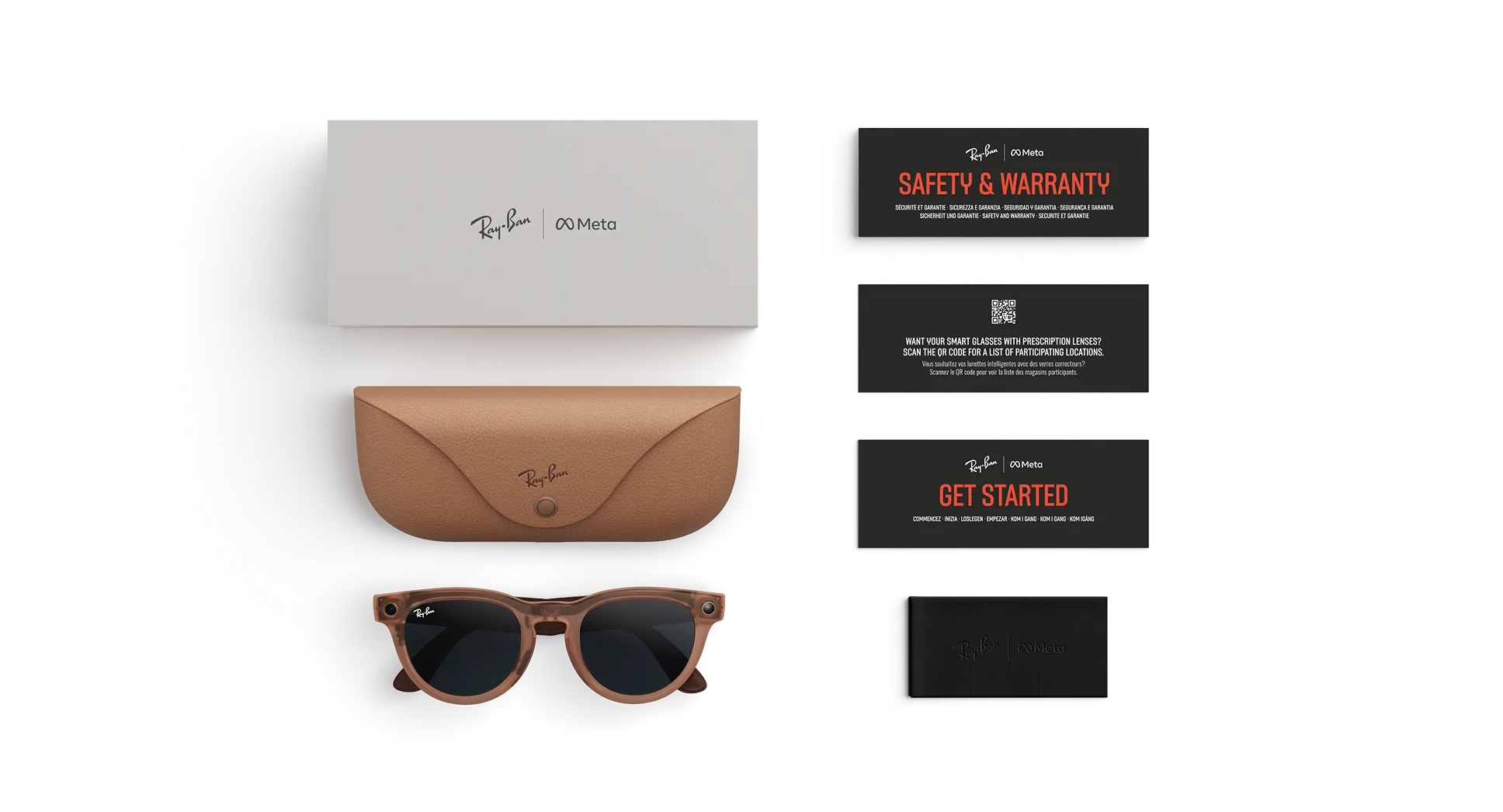
Yes, each pair of Ray-Ban Meta glasses comes with a charging case.
Each generation of of Ray-Ban Meta glasses has an identical case, but the battery life provided varies depending on which model of glasses you have.
The battery life for Ray-Ban Meta glasses (Gen 2) is up to 8 hours on a single charge, plus 48 additional hours with the included charging case.
It depends on the creator and the product. All options are outlined on the product page, so look out for customization options there.
Smart glasses incorporate technology that often allows users to listen to audio, make and receive calls and capture pictures and video hands-free. AI glasses are smart glasses that also function as a wearable AI assistant, providing things like language translation, visual recognition, voice-based search and more.
To clean and maintain your Ray-Ban Meta glasses, use a soft, dry cloth to wipe down the frames and lenses. Avoid using cleaning chemicals, abrasive materials or water, as these can damage the glasses.
Yes, once you set up your glasses and pair them with the Meta AI app on your phone, you can enable automatic updates. The glasses will download and install updates when certain conditions are met, such as:
- The glasses are connected to a power source.
- The glasses are connected to a Wi-Fi network (via the Meta AI app).
- The glasses are not in active use.
- The battery level is at 20% or above.