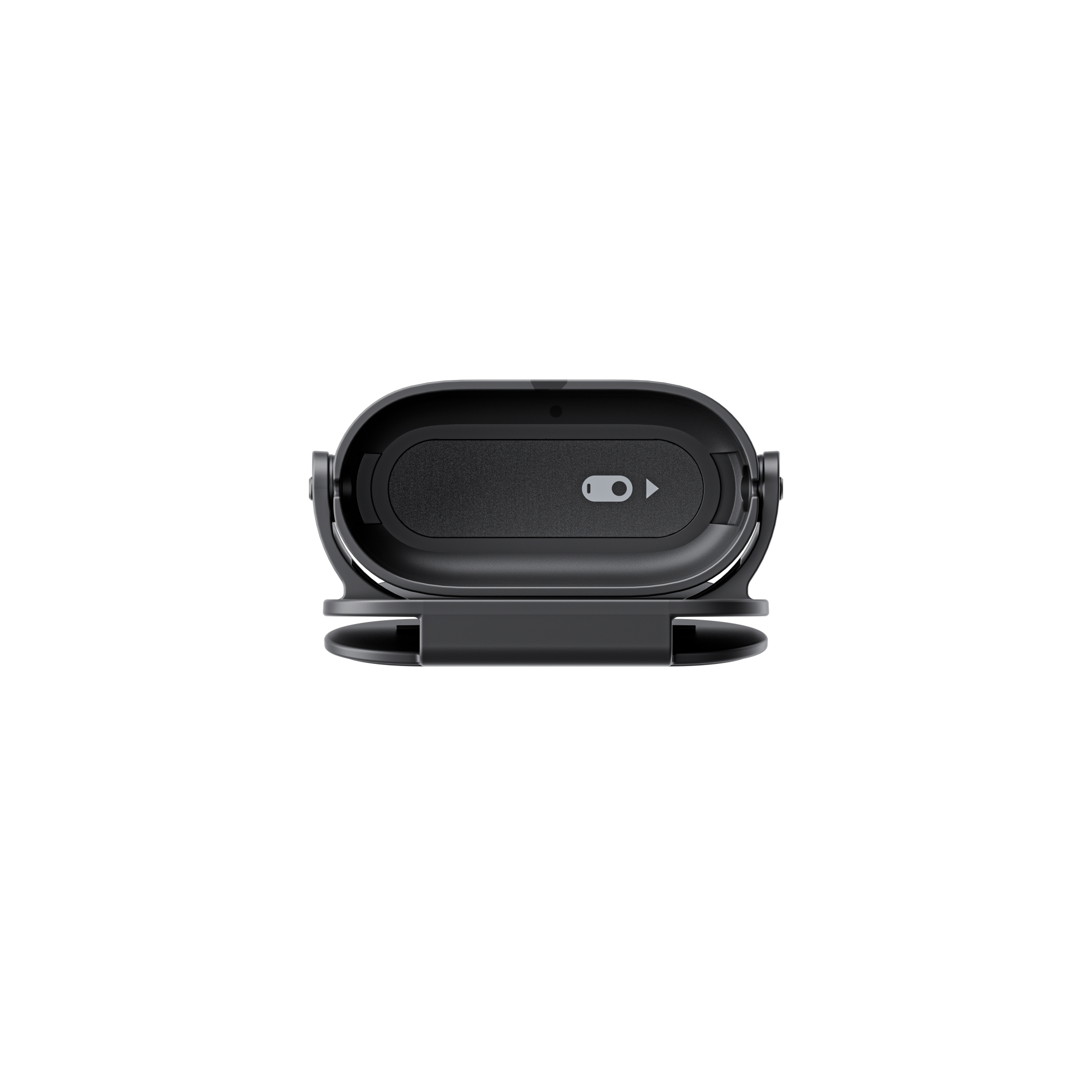
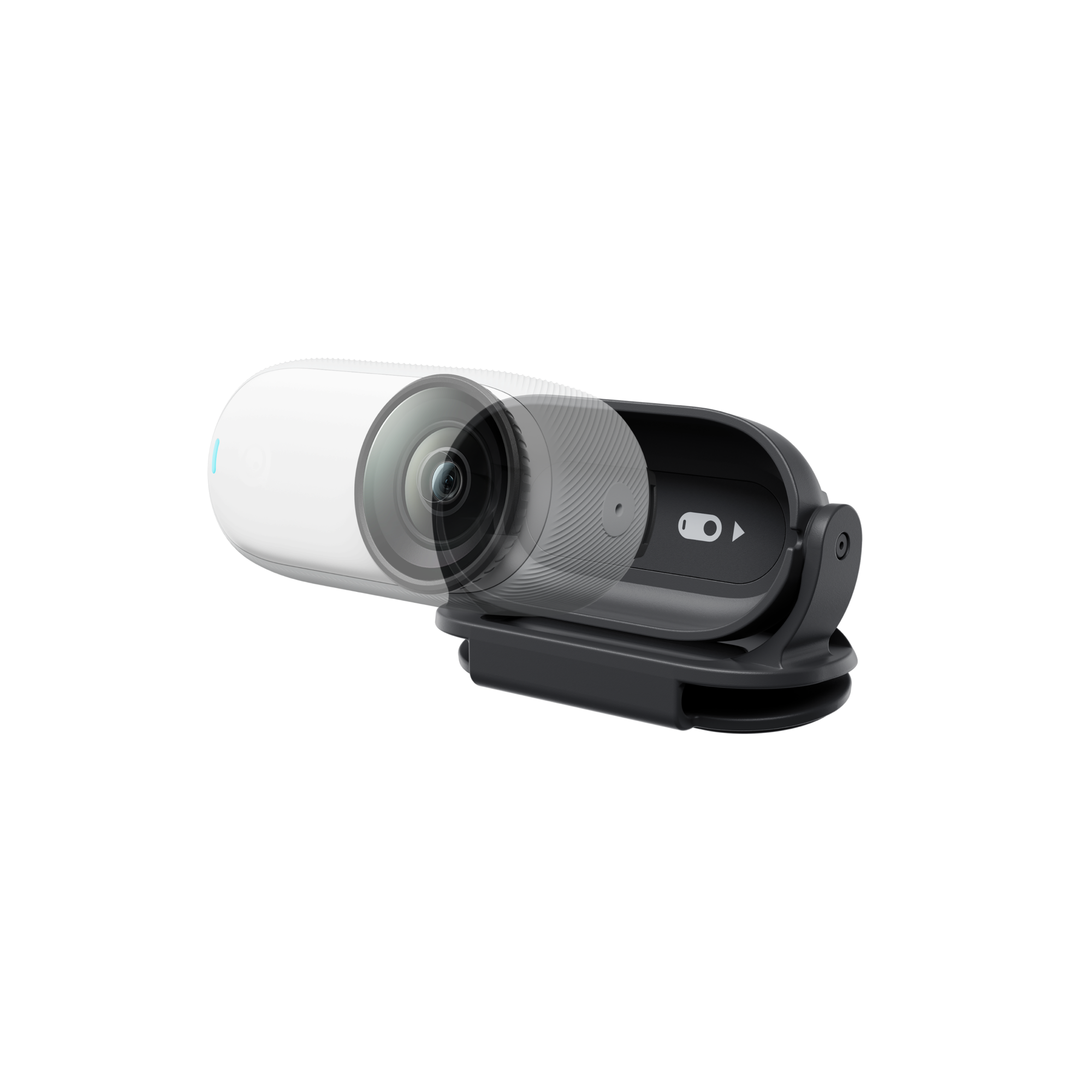
Hands-free, true POV. The Easy Clip secures your GO to a hat brim, headband or Magnet Pendant for natural, first-person shots—now with up to 195° angle adjustment and a skin-friendly silicone contact surface.
Why you’ll like it
-
Shoot true POV videos hands-free.
-
New design works with the Magnet Pendant so you can lock in aspect ratios (GO 3S) and keep both accessories handy.
-
Adjustable up to 195° to quickly fine-tune framing on the fly.
-
Silicone, skin-friendly contact and a compact, easy-to-use clamp.
What’s in the box
Compatibility
Specs
| Item |
Detail |
| Weight |
24 g (0.8 oz) |
| Dimensions |
28.5 × 30 × 64 mm (1.1 × 1.2 × 2.5 in) |
| Materials |
Plastic, silicone, magnet, steel |
How to use (quick start)
-
Attach the camera: Slide the GO 3/GO 3S single camera into the Easy Clip following the alignment diagram on the clip.
-
Mount it: Pry open the Easy Clip and attach to your hat brim, headband or suitable mounting point. You can also pair with the Magnet Pendant through clothing (sold separately).
-
Set your angle: Tilt the clip to your preferred view (up to 195° of adjustability) and start recording.
Notes & safety
-
Open the clamps carefully to avoid pinching fingers or damaging the clip.
-
The camera’s back may be hot after use—allow it to cool before removal.
-
The Easy Clip and Magnet Pendant contain magnets—keep away from medical devices (e.g., pacemakers/defibrillators).
-
Don’t use the Magnet Pendant over thick clothing; weaker magnetism can cause drops.
-
Not recommended for high-intensity activities with sudden impacts or spins.
-
Orientation tips:
Ready for effortless POV? Clip, angle, and roll.



 Pay in 4 interest-free payments of R 74.75.
Learn more
Pay in 4 interest-free payments of R 74.75.
Learn more