Use this bar to show information about your cookie policy.
Roll over image to zoom inClick on image to zoom
/
PayJustNow
Description
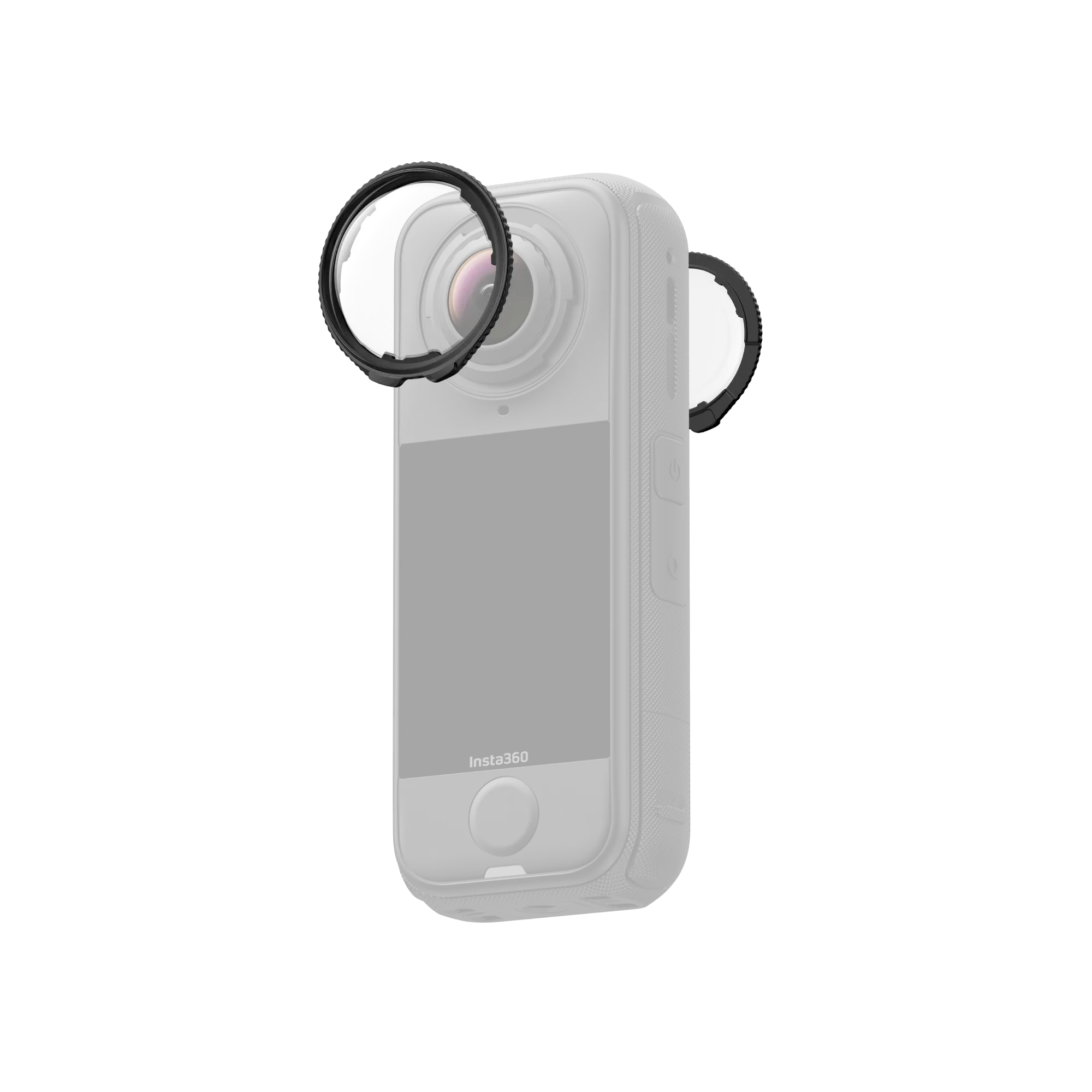
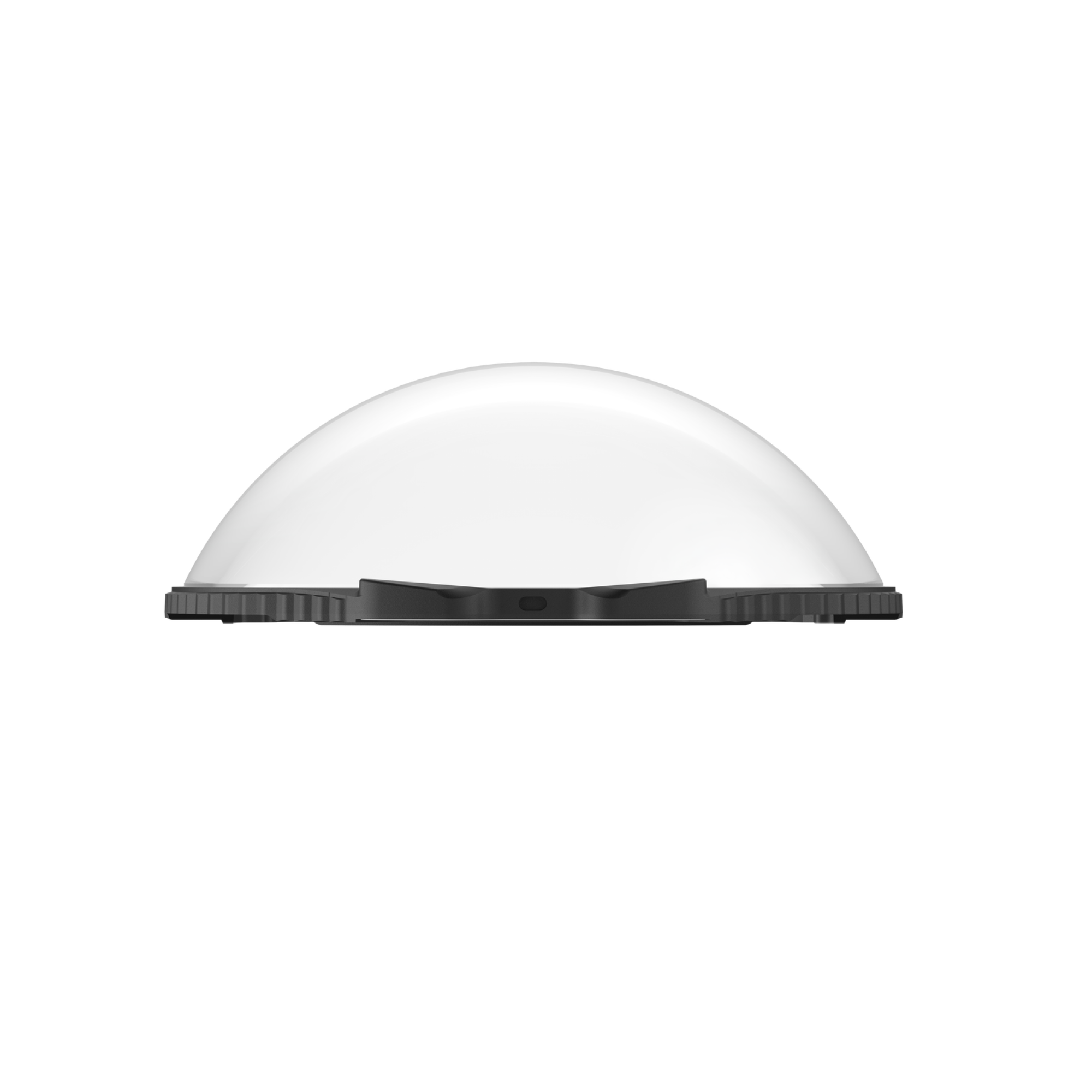
Reinforced, multi-coated glass guards protect X4 Air lenses from everyday bumps and scratches.
Engineered for clear image quality with minimal impact on stitching.
X4 Air auto-detects the guards and switches to the correct mode.
Twist-to-install and twist-to-remove for quick swaps.
Compatibility
X4 Air
In the Box
2 × Standard Lens Guards
1 × Lens Cloth
Specs
Item
Detail
Weight
4 g (0.1 oz)
Size
32.7 × 33.4 × 11.5 mm (1.3 × 1.3 × 0.5 in)
Materials
Glass, plastic
How to Use
Install the guards – Align the tab on each guard with the lower-right slot of the lens. Rotate clockwise until the notch lines up with the camera’s microphone.
Confirm installation – When the touchscreen-side guard is on, a status-bar icon and a pop-up appear. Tap to confirm.
Remove – Hold the edge of the base and rotate counter-clockwise. The status icon disappears after removal.
Notes
Don’t squeeze or pull the base too hard when installing—this can damage or deform it.
Ensure both guards are fully seated before use; the notch must align with the mic or the camera won’t recognize them.
Status icon and prompt appear only after installing the touchscreen-side guard.
Guards may slightly affect stitching; for best results, aim one lens directly at your subject when possible.
Dirty or worn guards can degrade image quality—keep them clean.
Not waterproof: avoid use in rain or watersports.
Dry thoroughly with a soft cloth to prevent fogging after exposure to rain/snow/fog.
Contains magnets—keep away from pacemakers and similar devices.
If you attach guards while the camera is recording/saving, you’ll see a status icon and notification (no prompt). During updating/formatting, the icon shows but no prompt appears.