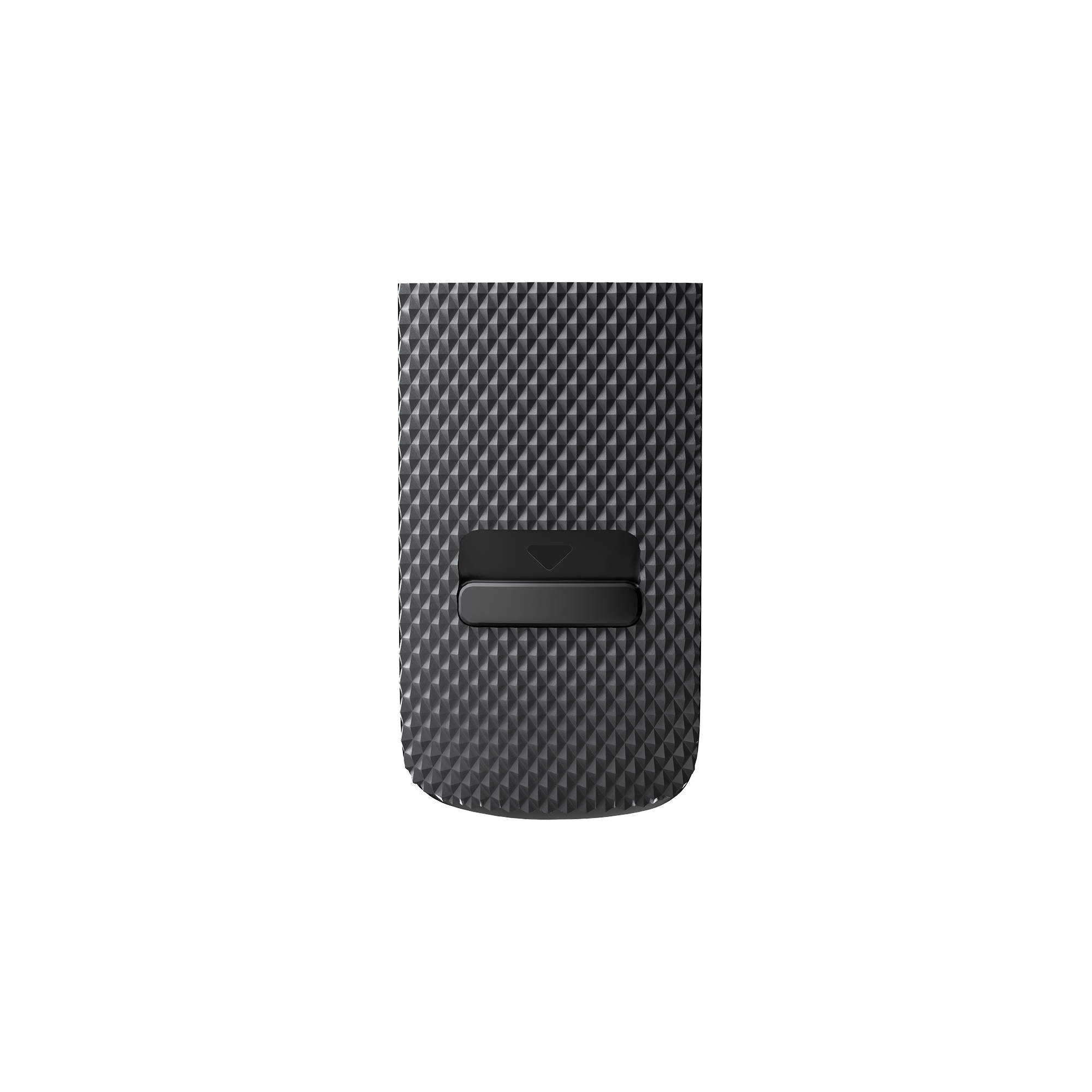
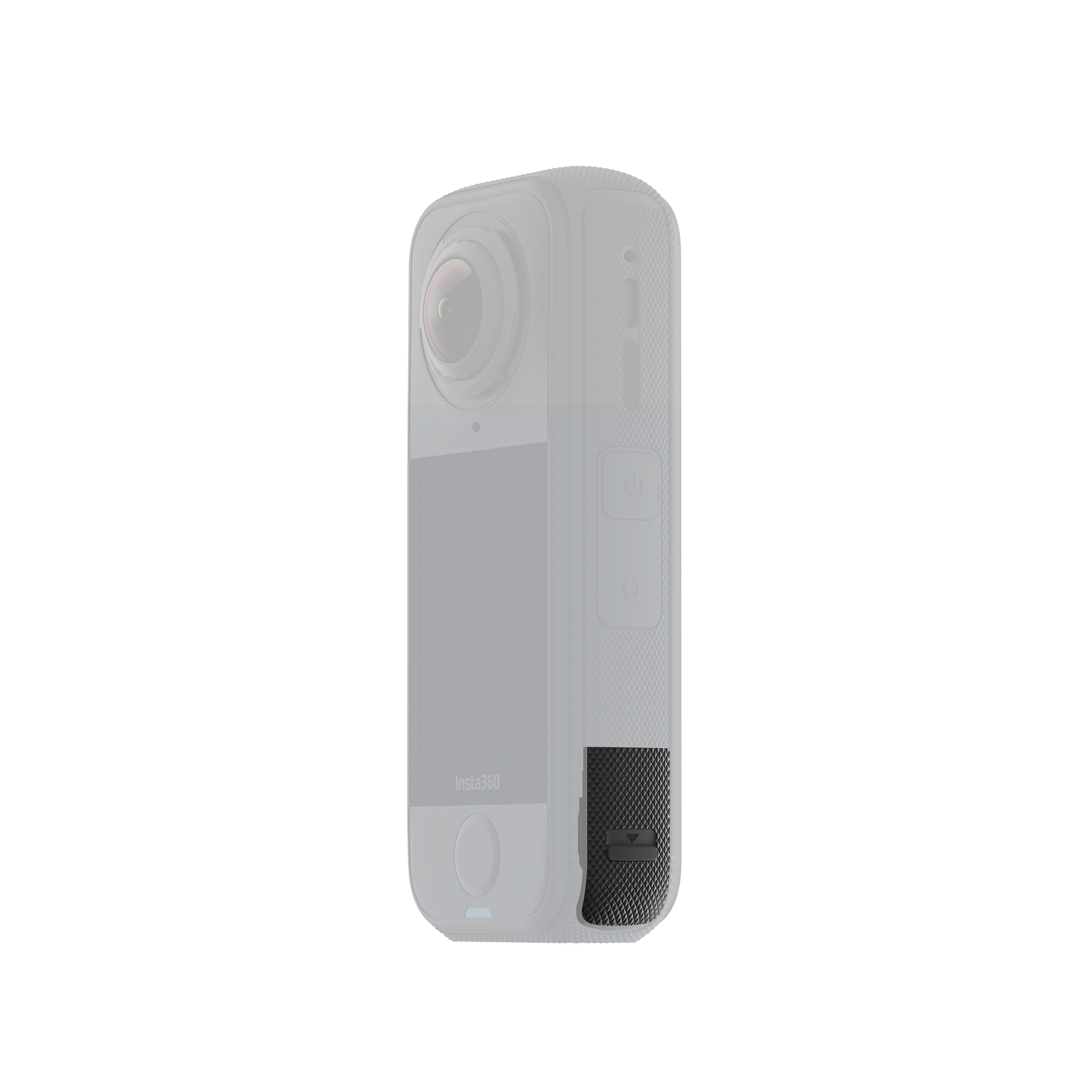
Keep your X4 Air’s USB-C port clean and protected with this official replacement cover.
-
Replacement USB cover made for X4 Air.
-
Shields the USB port from dust and light moisture for worry-free use.
-
Positive “click” fit with visual orange-mark indicator so you know it’s closed correctly.
Compatibility
In the Box
Specs
| Item |
Value |
| Weight |
1.1 g (0.04 oz) |
| Dimensions |
25.9 × 14.2 × 5.1 mm (1.0 × 0.6 × 0.2 in) |
| Materials |
Plastic, silicone |
How to Use
-
Install the slider: Push the slider inside the X4 Air USB Cover upward, align the cover’s slot with the metal rod on the camera, and insert until you hear a click.
-
Close & verify: Close the cover and ensure it moves freely. While closed, press down on the cover and slide it upward until you hear another click. It’s properly sealed when the orange marks are not visible.
-
Remove: Slide the cover downward, lift, and pull out. For easier removal, apply slightly more force to one corner.
Notes
-
Make sure the USB port is clean and dry before closing the cover. If there’s moisture, wipe and let it air-dry completely first.
-
Always confirm the cover is fully closed and the orange marks are hidden before using the camera in wet, humid, dusty or sandy environments—otherwise performance may be affected.
-
If you need to operate the camera while charging, you may remove this cover to prevent it loosening. In rain or high humidity, we recommend the X4 Air All-Weather USB Charging Cover for added protection.