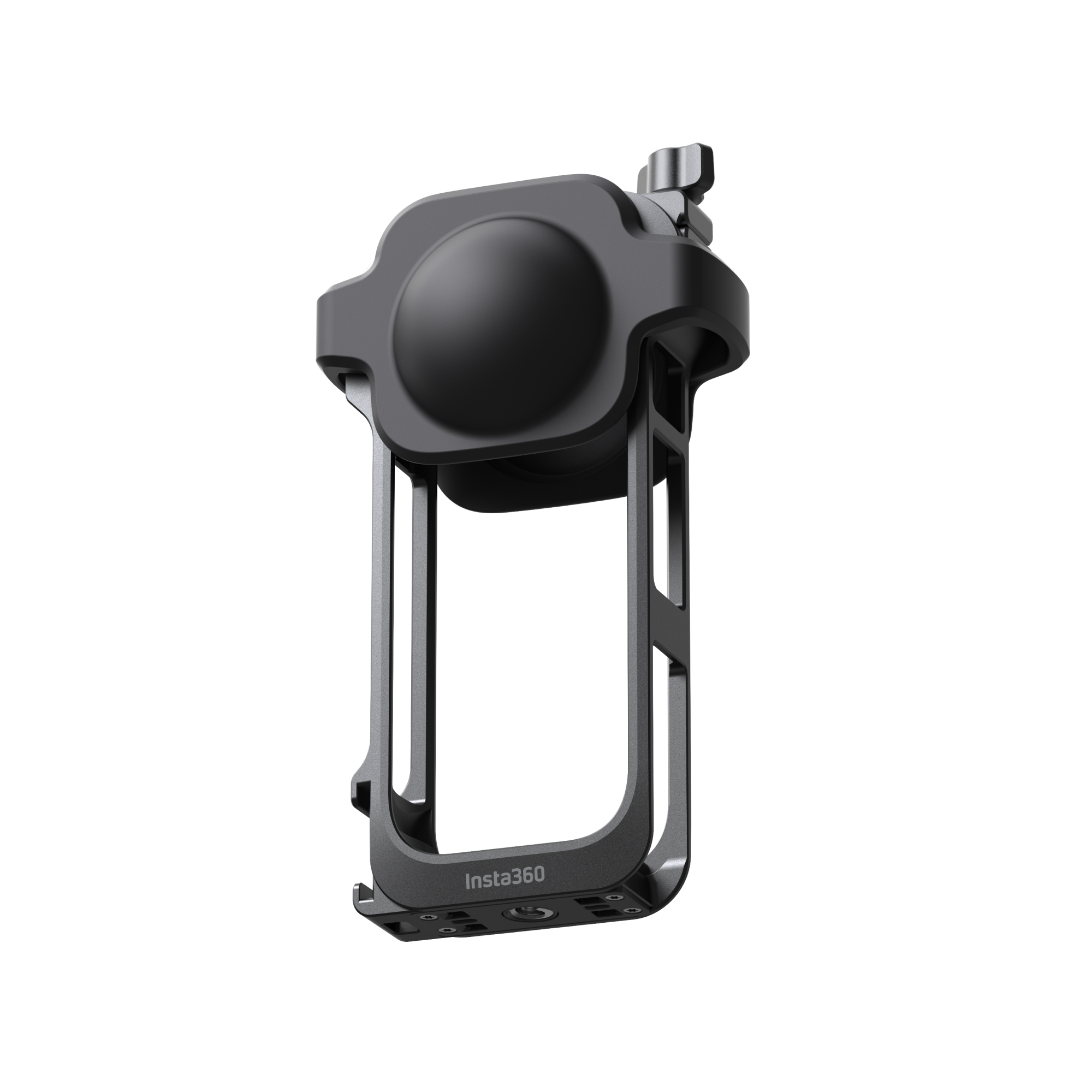
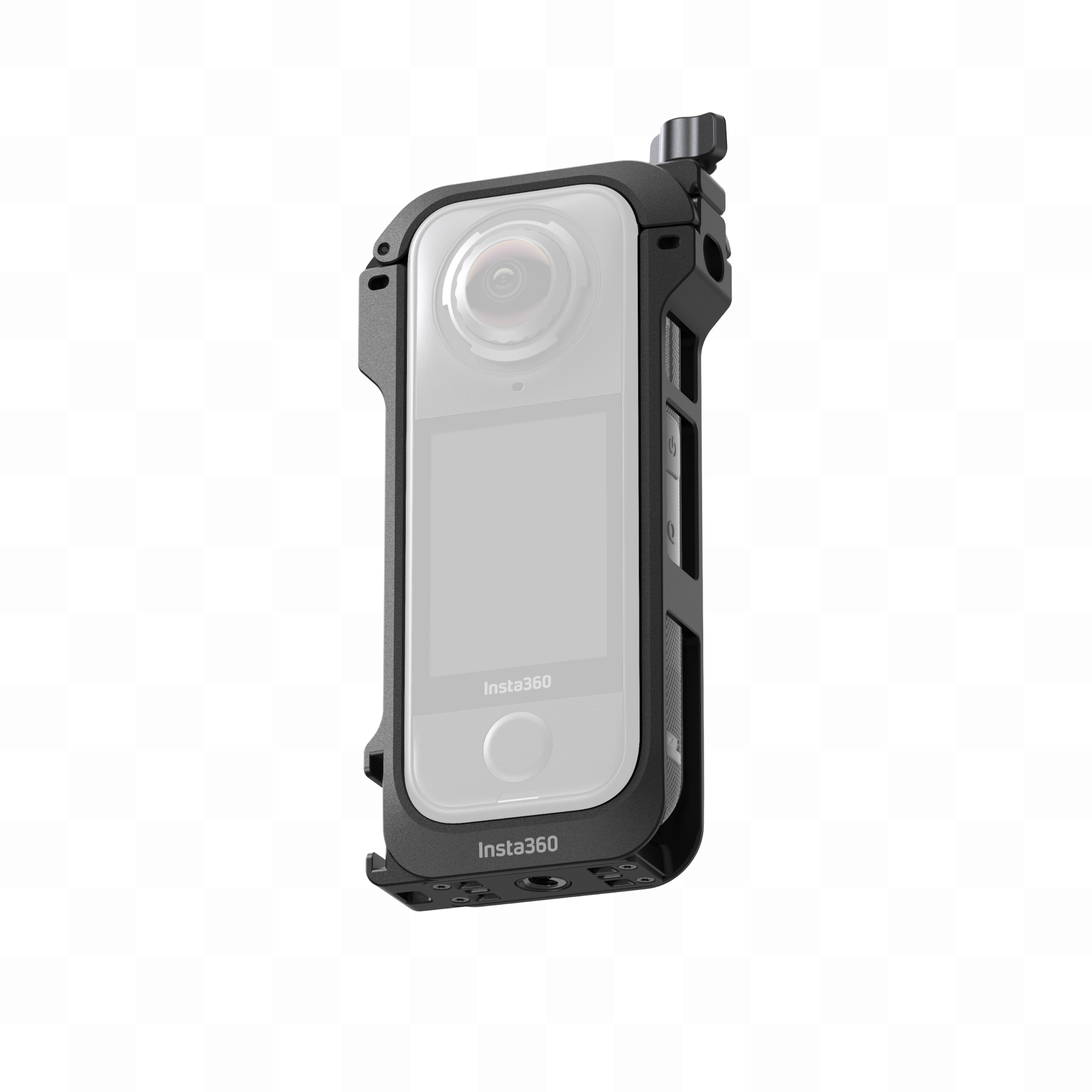
Lightweight, all-metal protection plus pro-mounting. Snap your X4 Air into a rugged frame, add a mic or light via the cold shoe, mount horizontally or vertically, and keep audio clean with the included Mic Windshields.
Highlights
-
All-round metal protection with secure top screw-lock and included lens cap.
-
Quick-release base, one cold-shoe mount, and two 1/4" mounting points (base + side) for lights, mics, grips, or rigs.
-
Mount vertical or horizontal; swap orientations in seconds.
-
Premium Mic Windshields (3 pairs) cut wind noise for clearer sound at speed.
-
Designed so battery door and USB cover remain accessible when installed (when fitted correctly).
Compatibility
In the Box
Specs
| Item |
Detail |
| Weight |
55 g (1.94 oz) |
| Dimensions |
123.5 × 61.3 × 20.8 mm (4.9 × 2.4 × 0.8 in) |
| Mounts |
Quick-release (bottom), 1/4" thread (bottom), 1/4" thread (side), cold-shoe (top/side) |
| Materials |
Aluminum alloy, silicone, acoustic foam |
How to Use (quick start)
-
Open & insert – Turn the top screw counter-clockwise to unlock, lift the cap, align the camera so the bottom 1/4" thread is flush with the frame’s base, then close and lock the screw.
-
Protect lenses – Fit the included Lens Cap when the camera’s not in use.
-
Mount – Use the quick-release or 1/4" base for sticks/brackets; use the side 1/4" to mount horizontally.
-
Accessorise – Attach mics/lights to the cold-shoe.
-
Wind control – Slide the Mic Windshields onto the frame’s notches to reduce wind noise.
Notes & care
-
Insert the camera exactly as shown above so the battery & USB covers stay accessible.
-
Ensure the camera’s bottom 1/4" thread is perfectly aligned—no tilt.
-
After closing, lock the top screw firmly.
-
Remove Mic Windshields when wind reduction isn’t needed to avoid loss/damage.
-
Do not use Mic Windshields in wet conditions; moisture reduces effectiveness.
-
Store Mic Windshields dry when not in use.