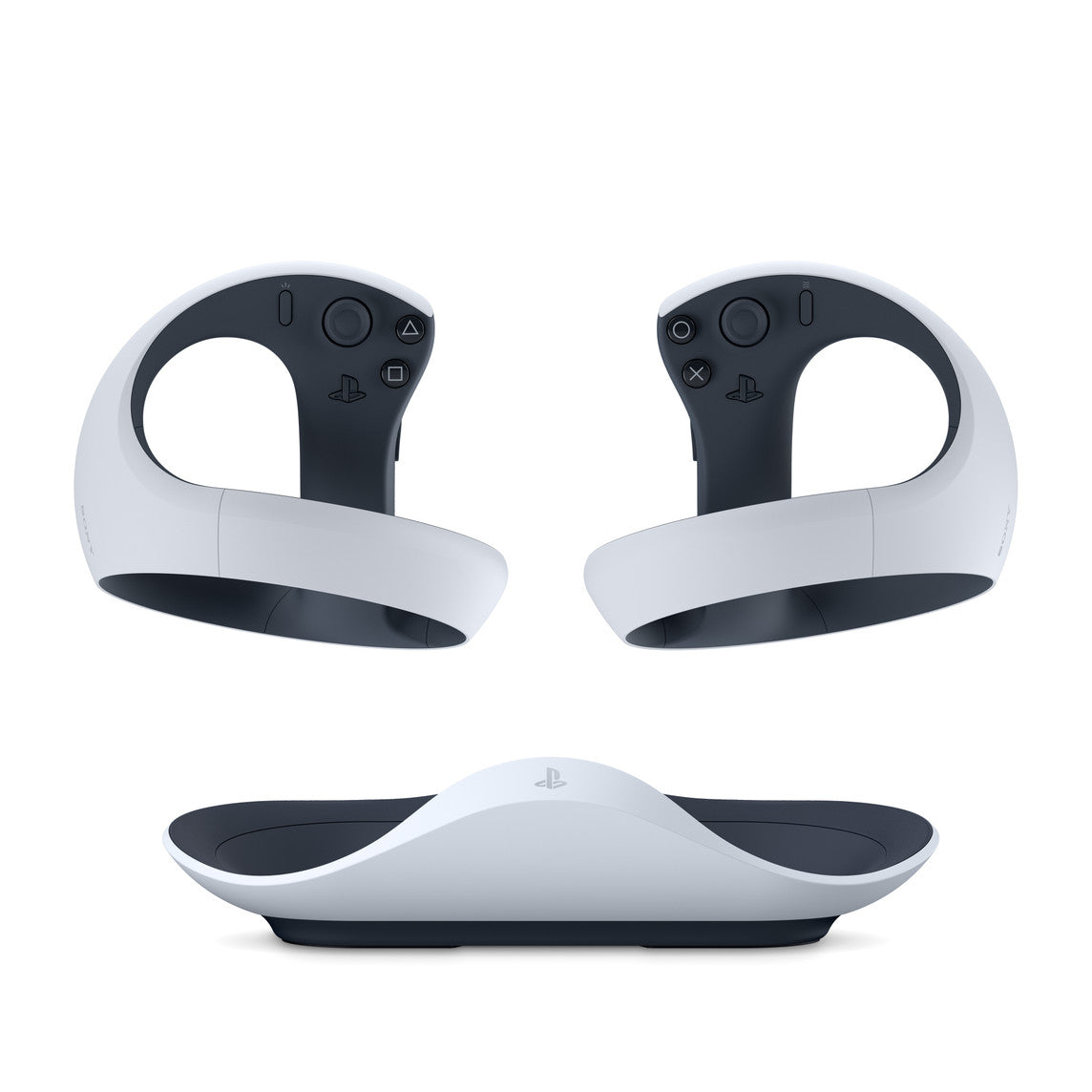
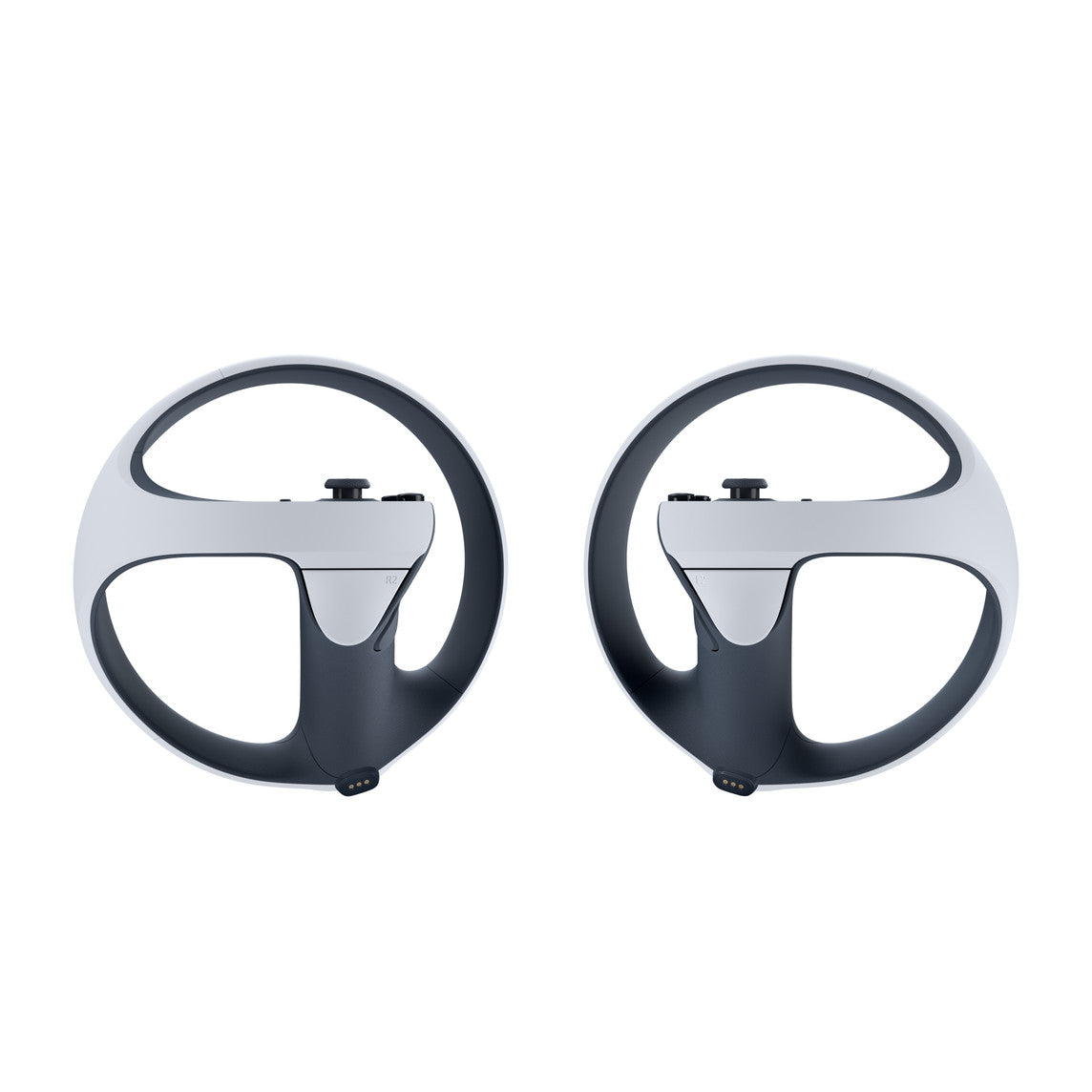
The PlayStation VR2 Sense Controller & Charging Station brings tactile realism and seamless input to the Vision Pro M5 gaming and creative ecosystem. Designed by Sony for immersive XR experiences, it pairs adaptive triggers, haptic feedback, and finger-touch sensing with instant wireless charging — so your next session is always ready.
Why you’ll love it
-
True haptic immersion. Feel every impact, texture, and motion with dual-motor vibration feedback tuned for spatial environments.
-
Finger-touch detection. Sensors recognize subtle finger placement, enabling natural gestures and object manipulation.
-
Adaptive triggers. Dynamic tension simulates real-world actions like drawing a bow or braking in a race.
-
Click, charge, play. Drop controllers onto the included station — no cables, no pairing needed.
-
VisionOS-ready. Fully supported for Apple Vision Pro M5 through Bluetooth 3.0/4.0 connectivity.
Specifications
| Category |
Details |
| Compatibility |
Apple Vision Pro (M5 & M2 chip models); PlayStation VR2 system |
| Features |
Haptic feedback • Adaptive triggers • Finger-touch detection • Ergonomic design |
| Connectivity |
Bluetooth 3.0 / 4.0 • USB-C charging dock |
| Other Interfaces |
Programmable buttons • Wireless pairing |
| Battery |
Built-in rechargeable lithium-ion (charges via docking station or USB) |
| Charging Station |
Dual-slot magnetic cradle with AC adaptor + power cord + USB adaptors |
| Approx. Weight |
~560 g (controller pair + station) |
| Color |
Matte White / Black |
| Included Accessories |
AC adaptor, power cord, 2 × USB adaptors |
What’s in the box
-
PlayStation VR2 Sense™ Controllers (L/R) with attached wrist straps
-
Dual Charging Station
-
AC Adaptor
-
AC Power Cord
-
Two USB Adaptors
Setup & use
-
Dock controllers on the station to charge — LED indicators confirm status.
-
Pair via Bluetooth from your Vision Pro M5 settings.
-
Launch compatible XR games or creative apps supporting haptics and adaptive triggers.
FAQs
Do these work without cables?
Yes. Both controllers pair wirelessly via Bluetooth 3.0/4.0 and charge through the included dock.
Can I charge via USB-C?
Yes — the dock includes USB adaptors and a direct-charge option if you’re away from the station.
Are they compatible with all Vision Pro apps?
They work natively with visionOS apps that support gamepad or haptic input. Some apps may require a quick pairing refresh.
Do I need to install software or drivers?
No. The Vision Pro M5 detects them automatically as compatible Bluetooth controllers.